> ## Documentation Index
> Fetch the complete documentation index at: https://docs.idemeum.com/llms.txt
> Use this file to discover all available pages before exploring further.
# Events deep dive
> Deep dive into how allowlisting events work for major use cases.
## How allowlisting events work
Let's review the major cases of events that you will encounter in idemeum. Here we assume both `Allowlisting` and `Endpoint Privilege Management` are enabled.
### Launch app without elevation
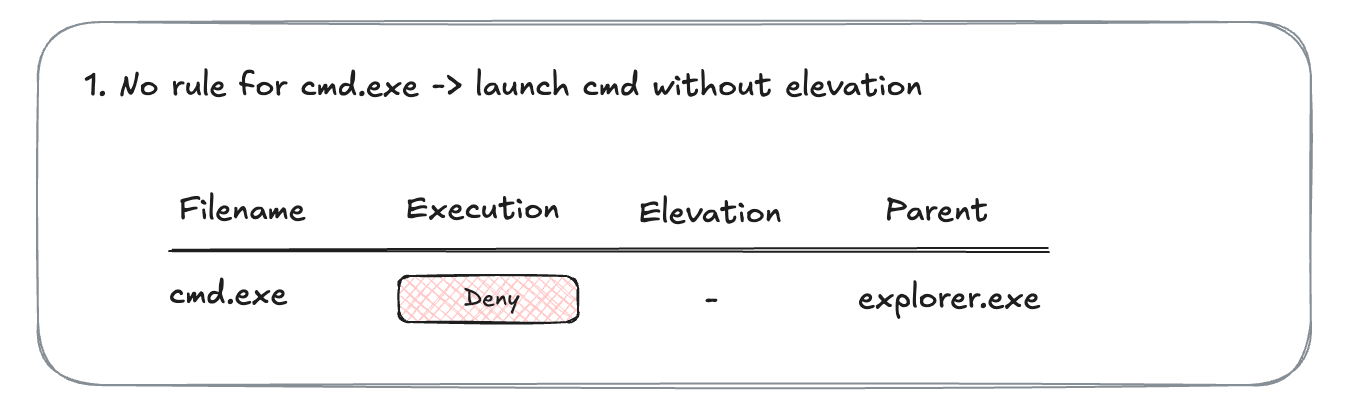
Let's say there is no rule for `cmd.exe`. You launch `cmd.exe`, and it gets blocked. There is one execution event generated.
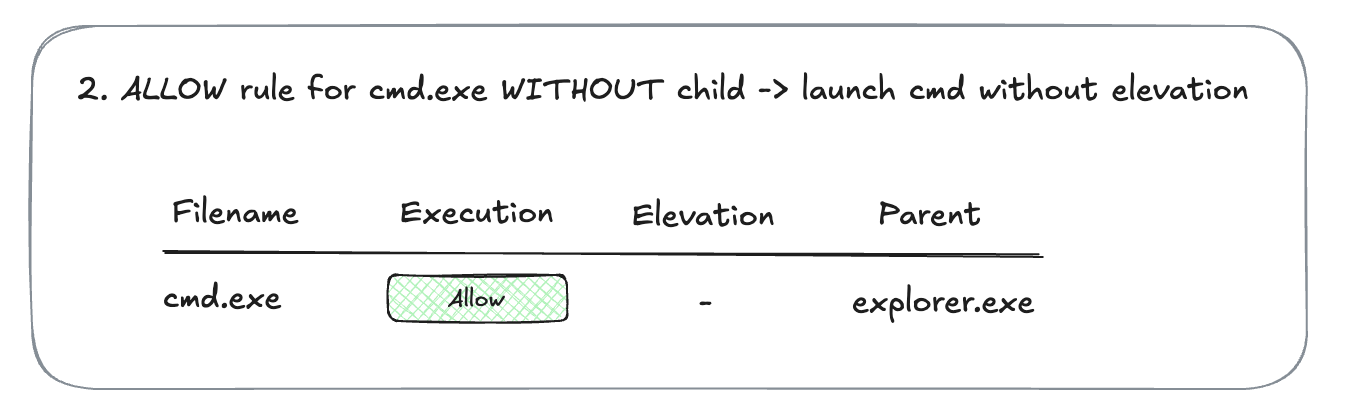
 Now you create a rule for `cmd.exe` to allow execution, but not allowing child processes. You launch `cmd.exe`, and it is allowed.
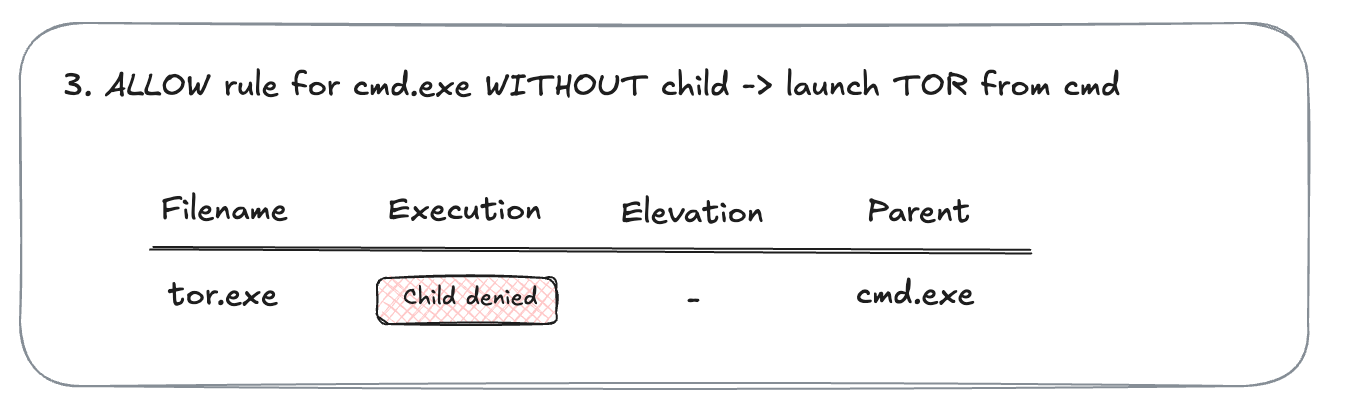
 Let's now explore [application fencing](/documentation/products/allowlisting/application-fencing). You have a rule for `cmd.exe` to allow execution, but not allowing any child processes. You launch `tor.exe` from `cmd.exe`. The TOR launch is blocked. And in the event you can see the message that child process is denied.
Even if you have a direct rule for `TOR` to allow it, when launching `TOR` from `cmd`, `TOR` will still be blocked becase of application fencing control.
Let's now explore [application fencing](/documentation/products/allowlisting/application-fencing). You have a rule for `cmd.exe` to allow execution, but not allowing any child processes. You launch `tor.exe` from `cmd.exe`. The TOR launch is blocked. And in the event you can see the message that child process is denied.
Even if you have a direct rule for `TOR` to allow it, when launching `TOR` from `cmd`, `TOR` will still be blocked becase of application fencing control.
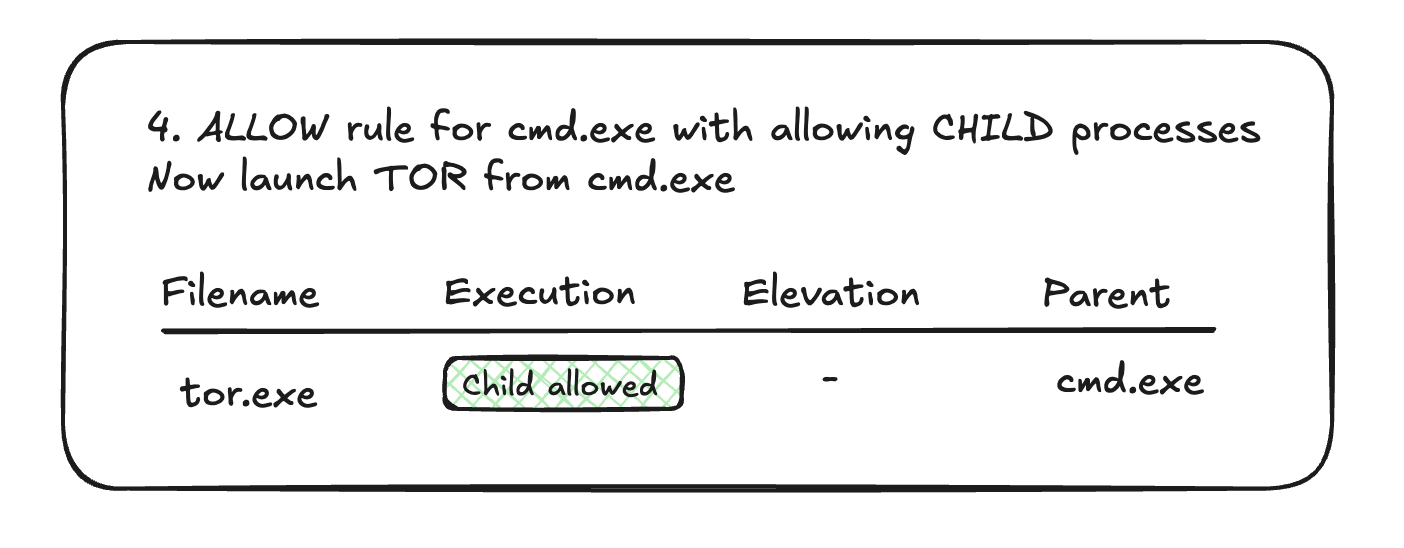
 Now you edit the existing rule for `cmd.exe` to also allow child processes. You launch `tor.exe` from `cmd.exe`. The execution is allowed. And the badge now shows `Child allowed`.
 ### Launch app with elevation
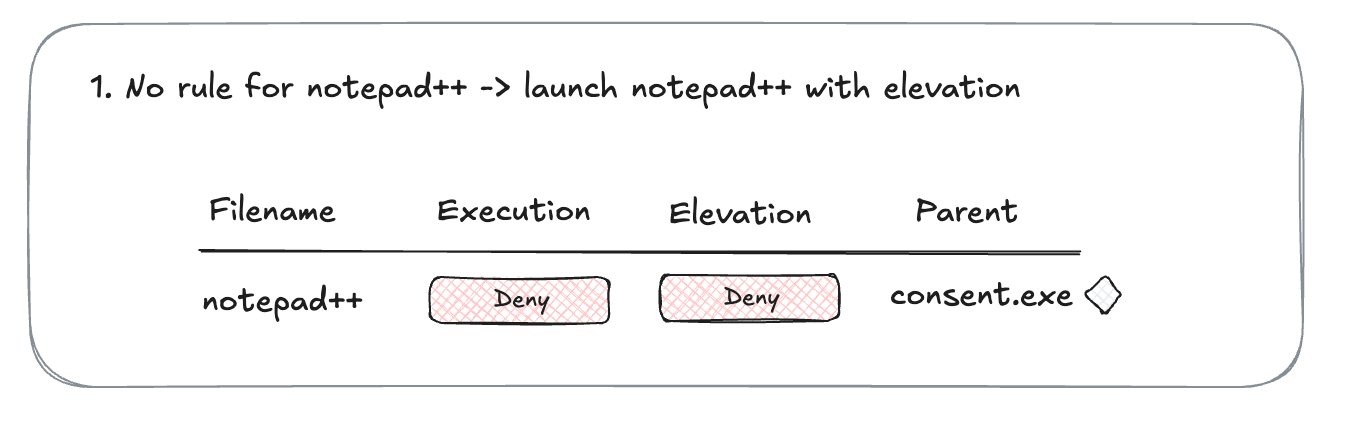
Let's say you do not have a rule for `notepad++.exe`. Execution is not allowed, and elevation is not allowed. When you trigger `notepad++` installation, the elevation screen is presented and the application is blocked. One event is generated with both execution and elevation denied.
### Launch app with elevation
Let's say you do not have a rule for `notepad++.exe`. Execution is not allowed, and elevation is not allowed. When you trigger `notepad++` installation, the elevation screen is presented and the application is blocked. One event is generated with both execution and elevation denied.
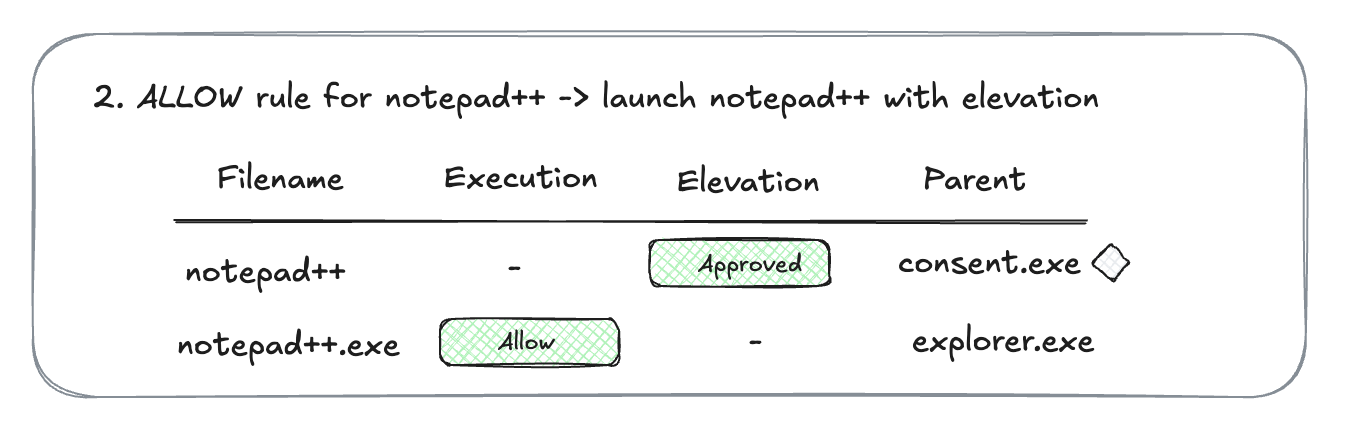
 Now you have created a rule for `notepad++.exe`. You allow execution and configure the application to automatically elevate. When you trigger `notepad++` installation, elevation screen is presented and then allowed. Installation goes through. There are two events generated - one for elevation, and one for successful execution.