> ## Documentation Index
> Fetch the complete documentation index at: https://docs.idemeum.com/llms.txt
> Use this file to discover all available pages before exploring further.
# SUDO control for macOS
> Automatically elevate SUDO commands on macOS with Endpoint Privilege Management
## Overview
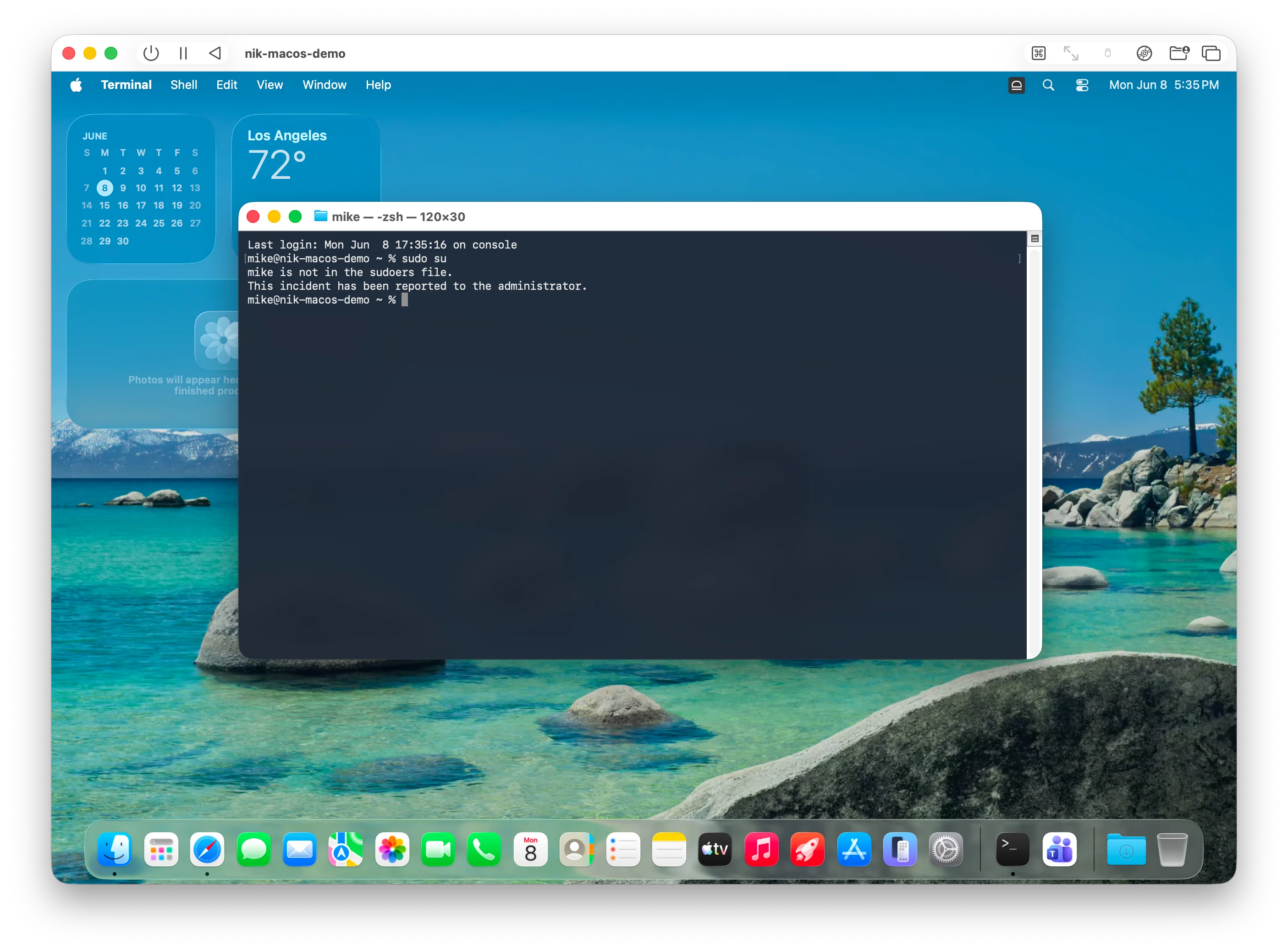
When you remove local admin rights on macOS, users will not be able to use sudo on macOS workstations. If you need to allow sudo for certain users, you can create rules to automatically elevate sudo commands.
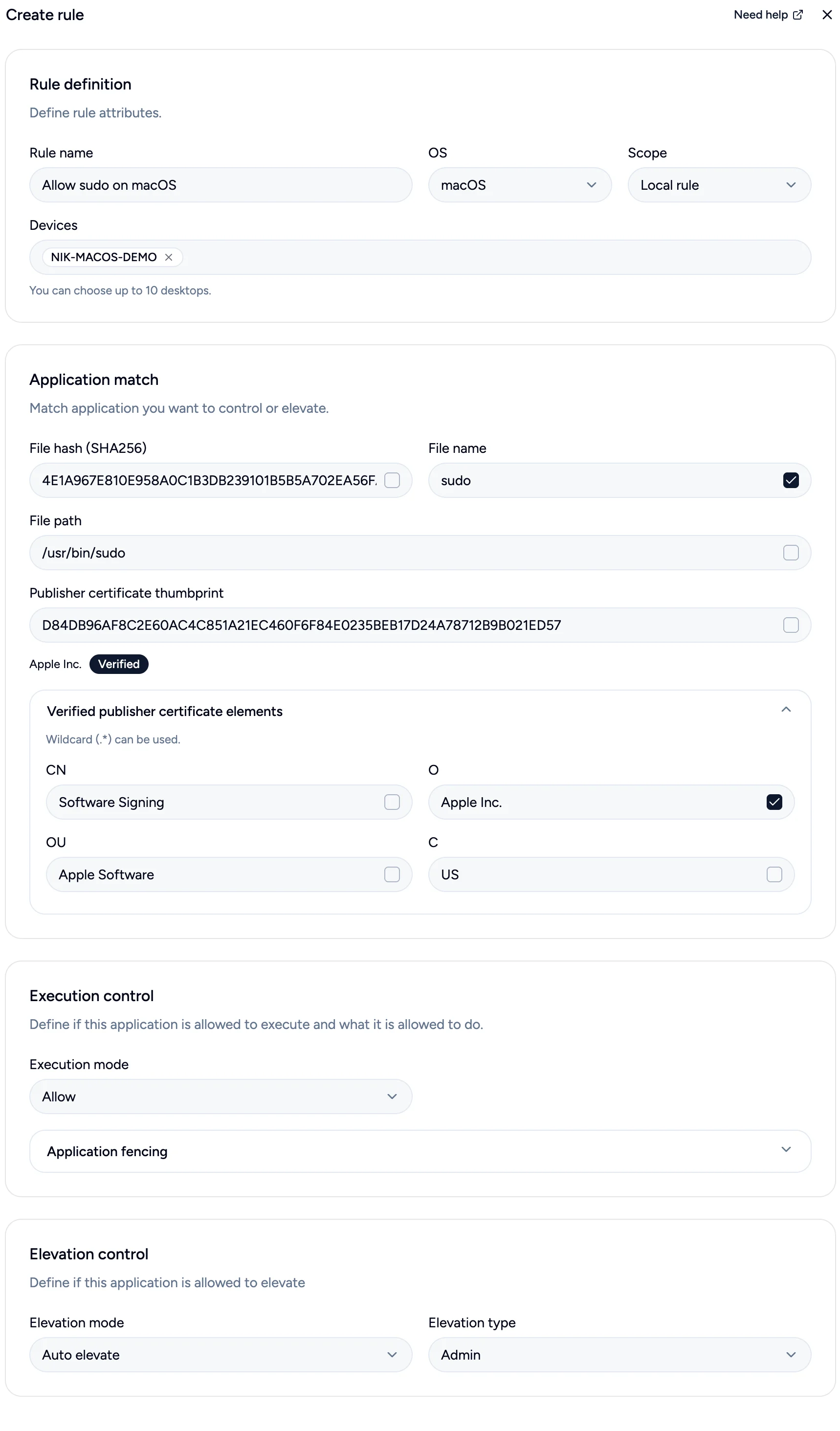
 When your users are downgraded to standard user accounts you need to create a sudo rule. Create the following rule for sudo:
* Create a rule for sudo with a descriptive name
* Choose `sudo` for filename
* Use certificate elements to check for `Apple Inc.` in the organization attribute
* Allow application to execute and elevate
* Assign the rule to certain devices you need
When your users are downgraded to standard user accounts you need to create a sudo rule. Create the following rule for sudo:
* Create a rule for sudo with a descriptive name
* Choose `sudo` for filename
* Use certificate elements to check for `Apple Inc.` in the organization attribute
* Allow application to execute and elevate
* Assign the rule to certain devices you need