> ## Documentation Index
> Fetch the complete documentation index at: https://docs.idemeum.com/llms.txt
> Use this file to discover all available pages before exploring further.
# Technician mode
> IT admins bypass rules to perform administrative work on the workstation.
## How technician mode works
Watch the video to see how technician mode works
Technician mode allows your IT staff to do administrative work on computers (Windows and MacOS) without being logged in with an admin account. There is no need to know admin credentials - simply launch the technician mode application and scan the QR-code to authenticate.
Once technician mode is initiated:
* All elevation block rules will be bypassed
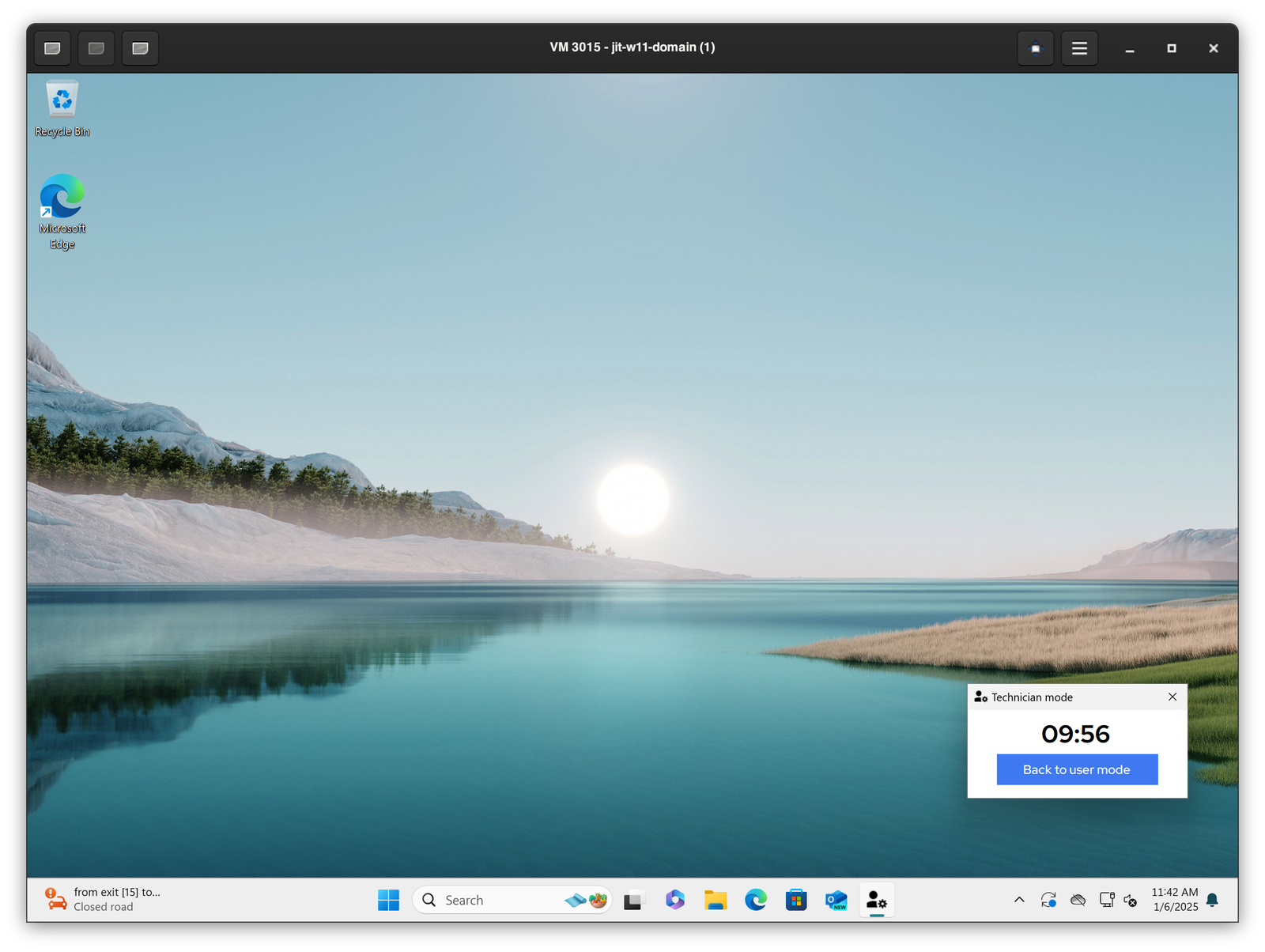
* The default 10-minute timer will start after which the computer will revert back to user more with rule enforcement. The timer can be configured in the admin portal.
* Every elevation performed while in technician mode is performed as `admin` elevation with local admin account
* Technician mode session is captured in the audit logs
## How to launch technician mode
* When the the user is logged into the workstation and you need to enter the `Technician mode`, simply search for `Technician mode` application on Windows or MacOS.
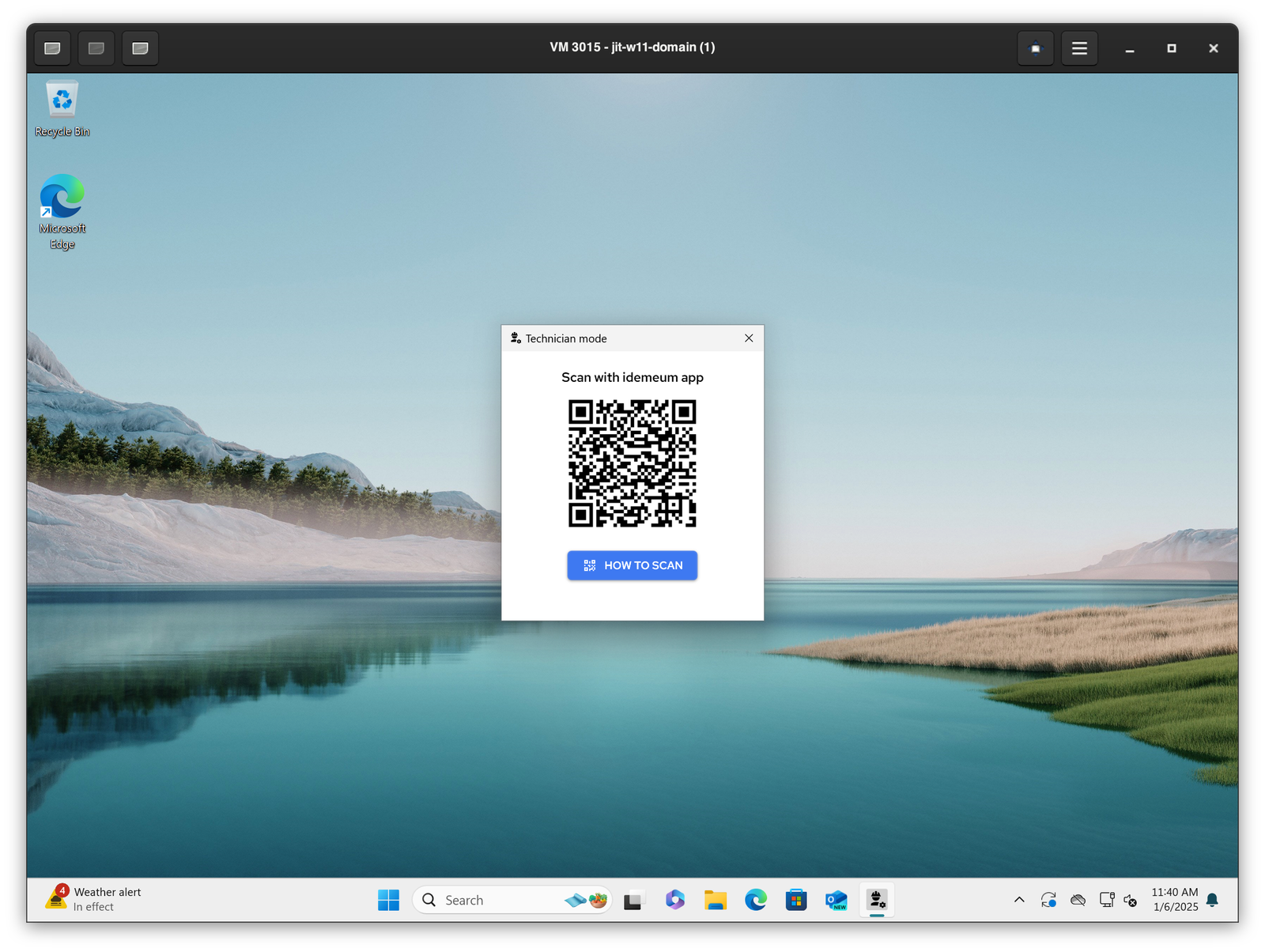
* Then you will see the pop up with the idemeum QR-code. Scan this QR-code with idemeum mobile application and authenticate with biometrics.
 * Once approved, the default 10-minute timer will start. You will be able to perform any privileged actions bypassing the elevation rules.
* To exit the `Technician mode` simply close the pop up windows or click on `Back to user mode`
* Once approved, the default 10-minute timer will start. You will be able to perform any privileged actions bypassing the elevation rules.
* To exit the `Technician mode` simply close the pop up windows or click on `Back to user mode`