> ## Documentation Index
> Fetch the complete documentation index at: https://docs.idemeum.com/llms.txt
> Use this file to discover all available pages before exploring further.
# Quickstart - JIT for computers
> Set up passwordless on-demand access to servers and workstations.
## What is JIT for computers?
JIT for computers is all about eliminating shared credentials and standing privileges when accessing Windows, macOS workstations, and servers. Idemeum will automatically generate unique named admin accounts for your technicians, enable these accounts only for the duration of the session, and rotate passwords automatically after every login. Every login is protected with Passwordless MFA, and every session is tracked in the audit trail.
Full documentation section for JIT for computers.
## Get started with JIT for computers
In this guide we will install idemeum agent on one workstation (macOS or Windows) and perform a passwordless login with a local admin account. If you want to set up more advanced flows and use cases, please browse through [JIT for computers](https://docs.idemeum.com/jit/jit-for-computers-overview) documentation.
Sign up for free idemeum IT or MSP tenant on our website → [idemeum.com](https://idemeum.com)
If you are an MSP, please create a child tenant / organization.
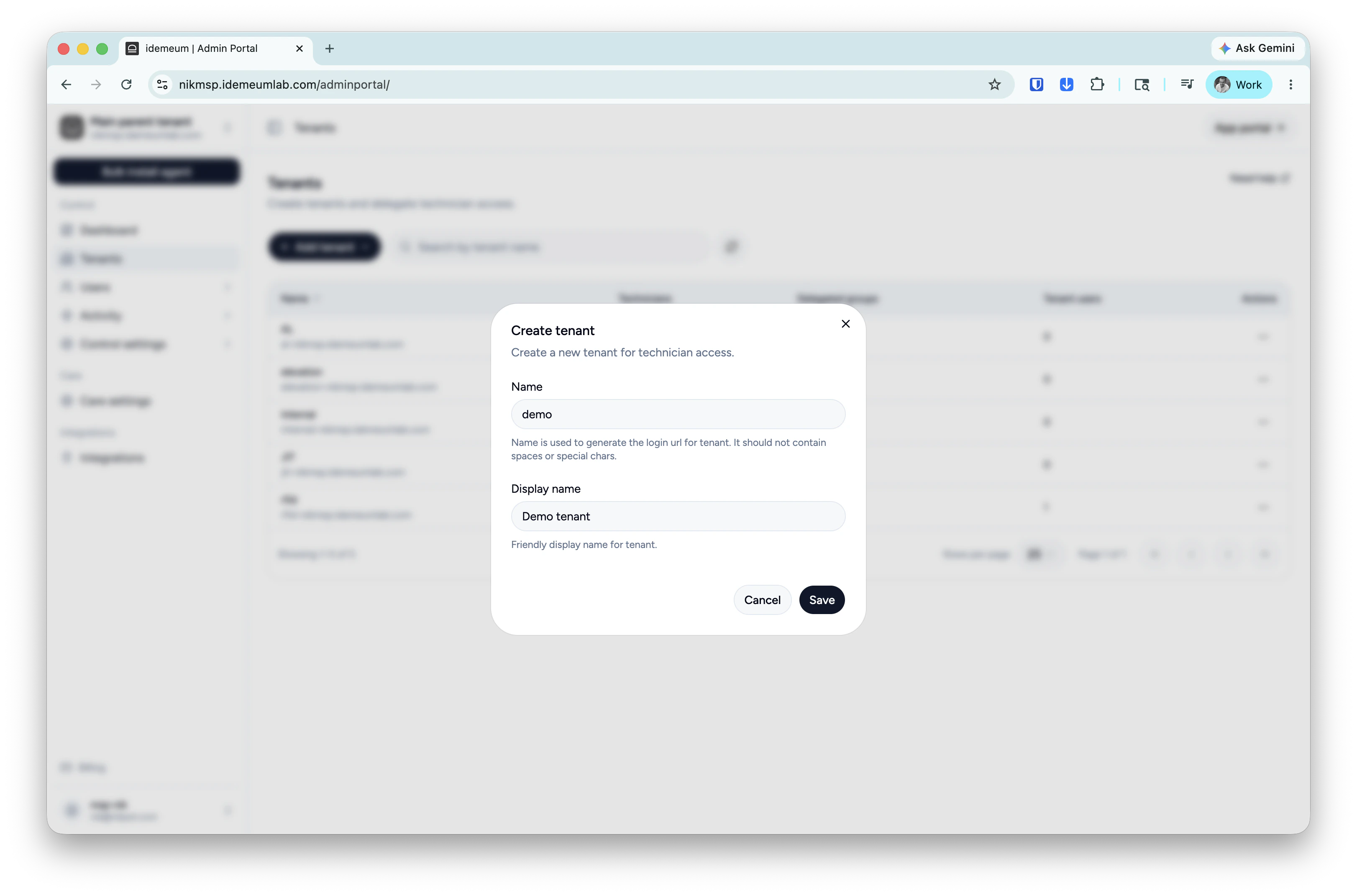
* Login to your MSP admin portal
* Navigate to `Tenants` → click `Add tenant` and choose manually
* Provide subdomain and display names and save the configuration
 If you want to try default configuration with `local admin` accounts, then skip this step.
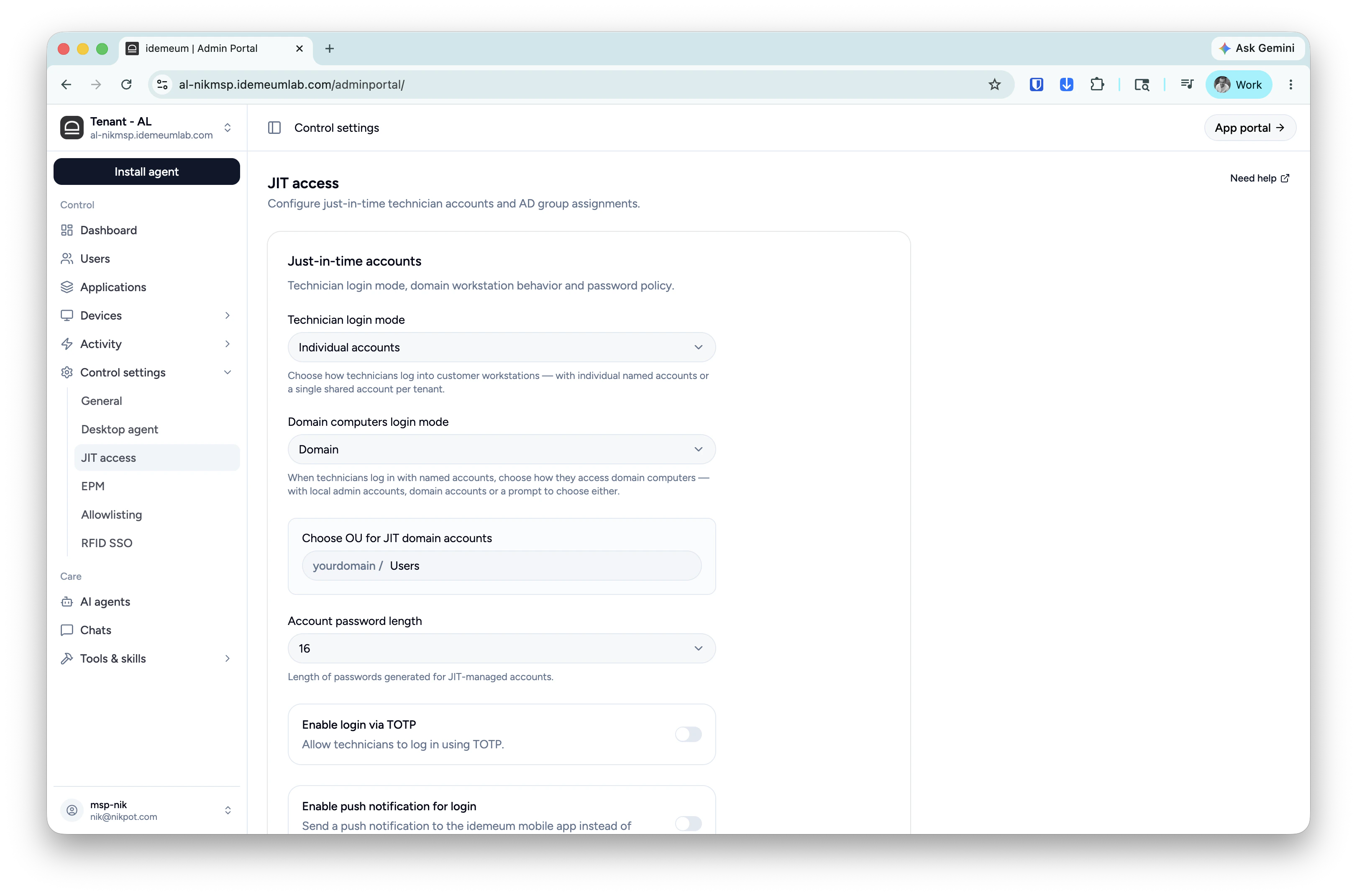
If you want to use JIT `domain accounts`you need to install idemeum agent on Domain Controllers as well as domain workstations. And you need to enable JIT login with domain accounts.
* In case of MSP login to your child tenant admin portal
* Access `Control settings` → `JIT access`
* If you want to use `domain accounts` choose that option in the `domain login mode`
* Make any other settings changes that you need
If you want to try default configuration with `local admin` accounts, then skip this step.
If you want to use JIT `domain accounts`you need to install idemeum agent on Domain Controllers as well as domain workstations. And you need to enable JIT login with domain accounts.
* In case of MSP login to your child tenant admin portal
* Access `Control settings` → `JIT access`
* If you want to use `domain accounts` choose that option in the `domain login mode`
* Make any other settings changes that you need
 macOS agent deployment requires privacy and security permissions so it is recommended to deploy the agent with an MDM profile.
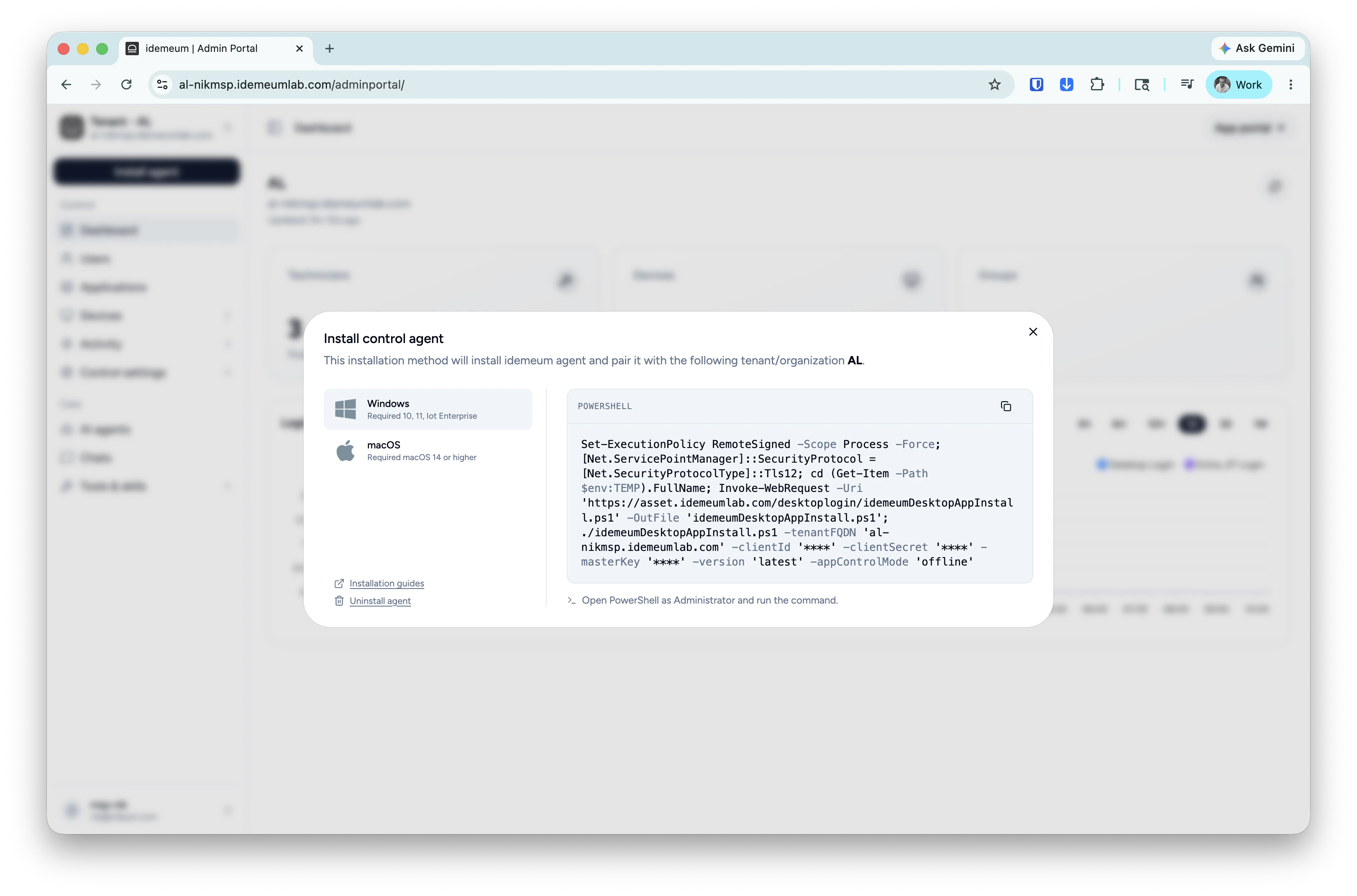
Click on the `Install agent` → choose `Control agent` and copy the installation command for Windows or macOS.
macOS agent deployment requires privacy and security permissions so it is recommended to deploy the agent with an MDM profile.
Click on the `Install agent` → choose `Control agent` and copy the installation command for Windows or macOS.
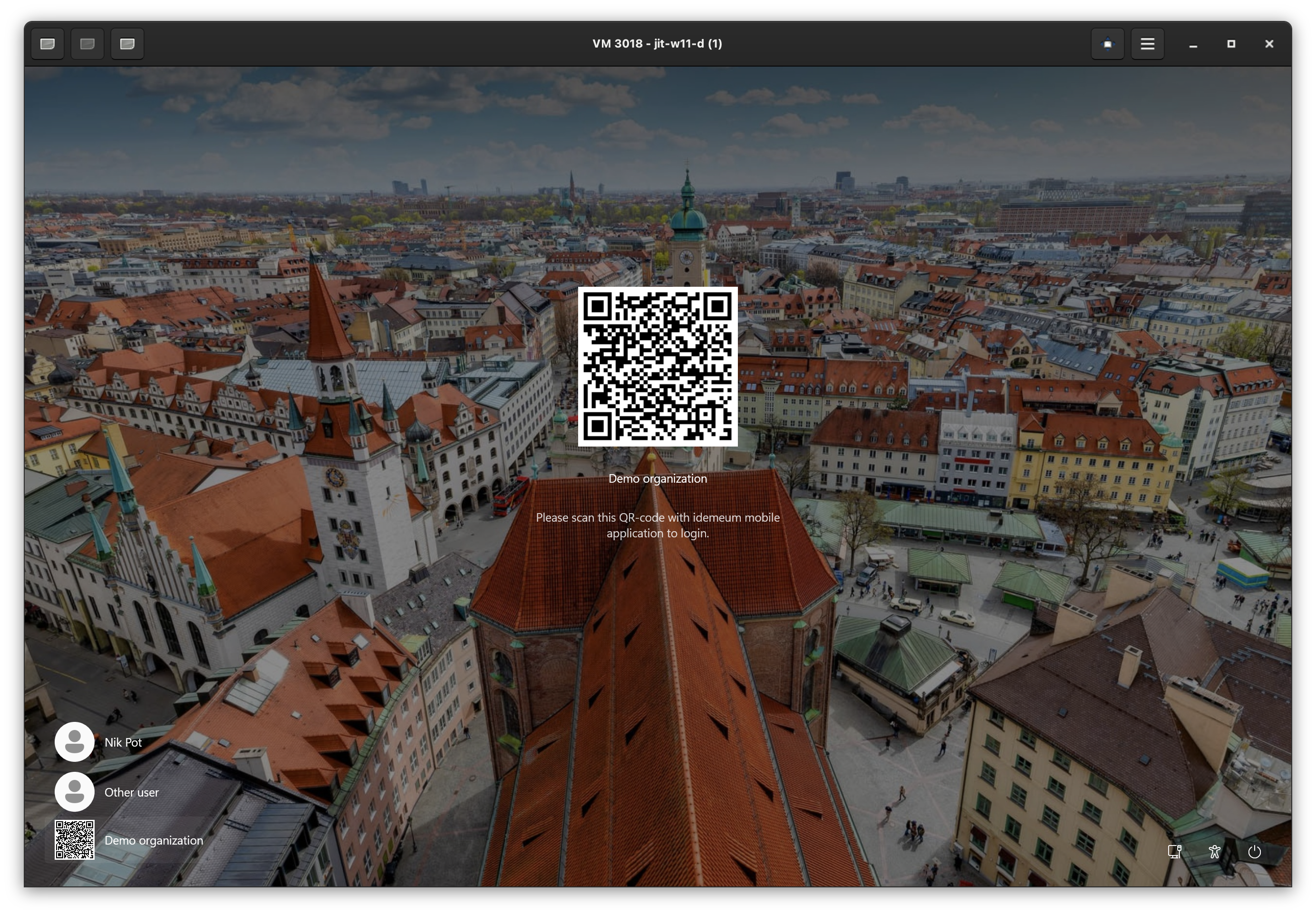
 Now you can log out from the workstation and perform passwordless JIT login by scanning a QR-code. Click on the QR-code at the bottom left of the screen, open your idemeum mobile application, choose `Login`, scan the code and approve with biometrics.