> ## Documentation Index
> Fetch the complete documentation index at: https://docs.idemeum.com/llms.txt
> Use this file to discover all available pages before exploring further.
# Portal settings
> Configure general idemeum portals settings.
## General portal settings
Navigate to `Control settings` → `General` to configure basic portal settings.
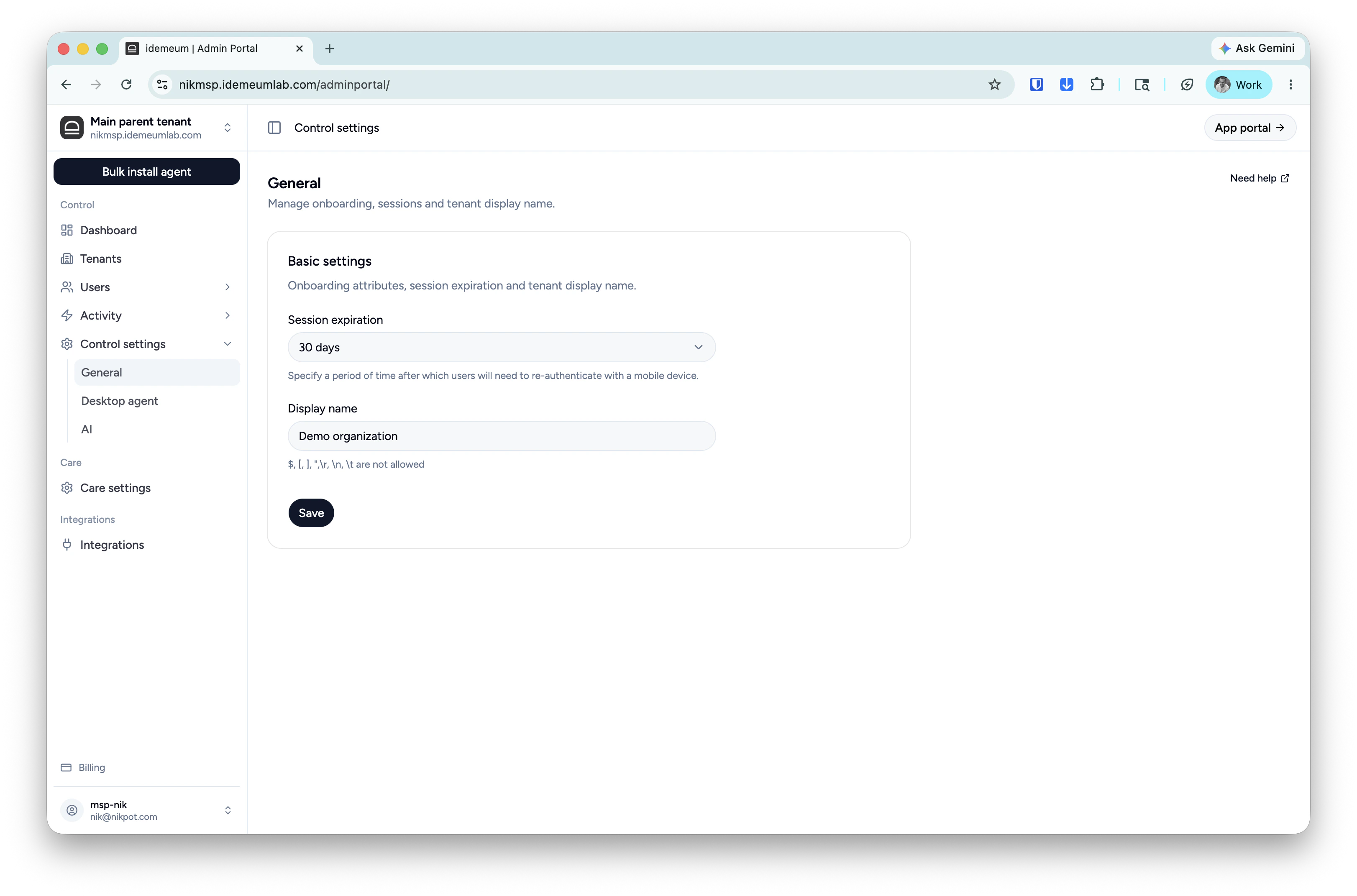 Set up the time interval before users will need to re-authenticate to access idemeum admin portal.
Configure your idemeum tenant display name. `$, [, ], ",\r, \n, \t `are not allowed.
Set up the time interval before users will need to re-authenticate to access idemeum admin portal.
Configure your idemeum tenant display name. `$, [, ], ",\r, \n, \t `are not allowed.