> ## Documentation Index
> Fetch the complete documentation index at: https://docs.idemeum.com/llms.txt
> Use this file to discover all available pages before exploring further.
# User and admin portals
> Idemeum offers user and admin portals to view resources and manage settings.
## User portal
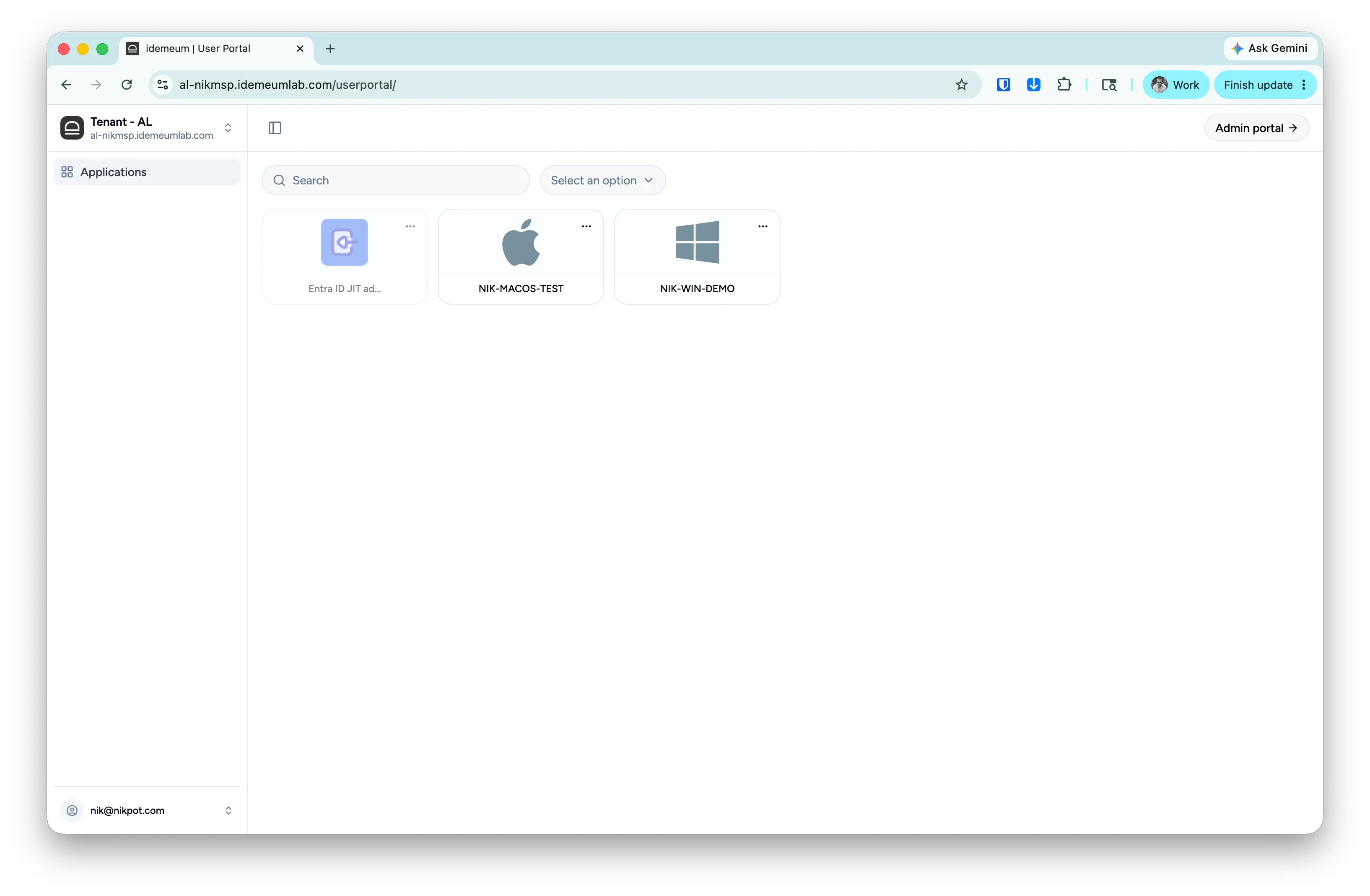
User portal is used to quickly access the resources for child tenant / organization - request Entra ID JIT account, view LAPS credentials, etc. Use the switch button at the top right to switch between user and admin portals.
 ## Admin portal
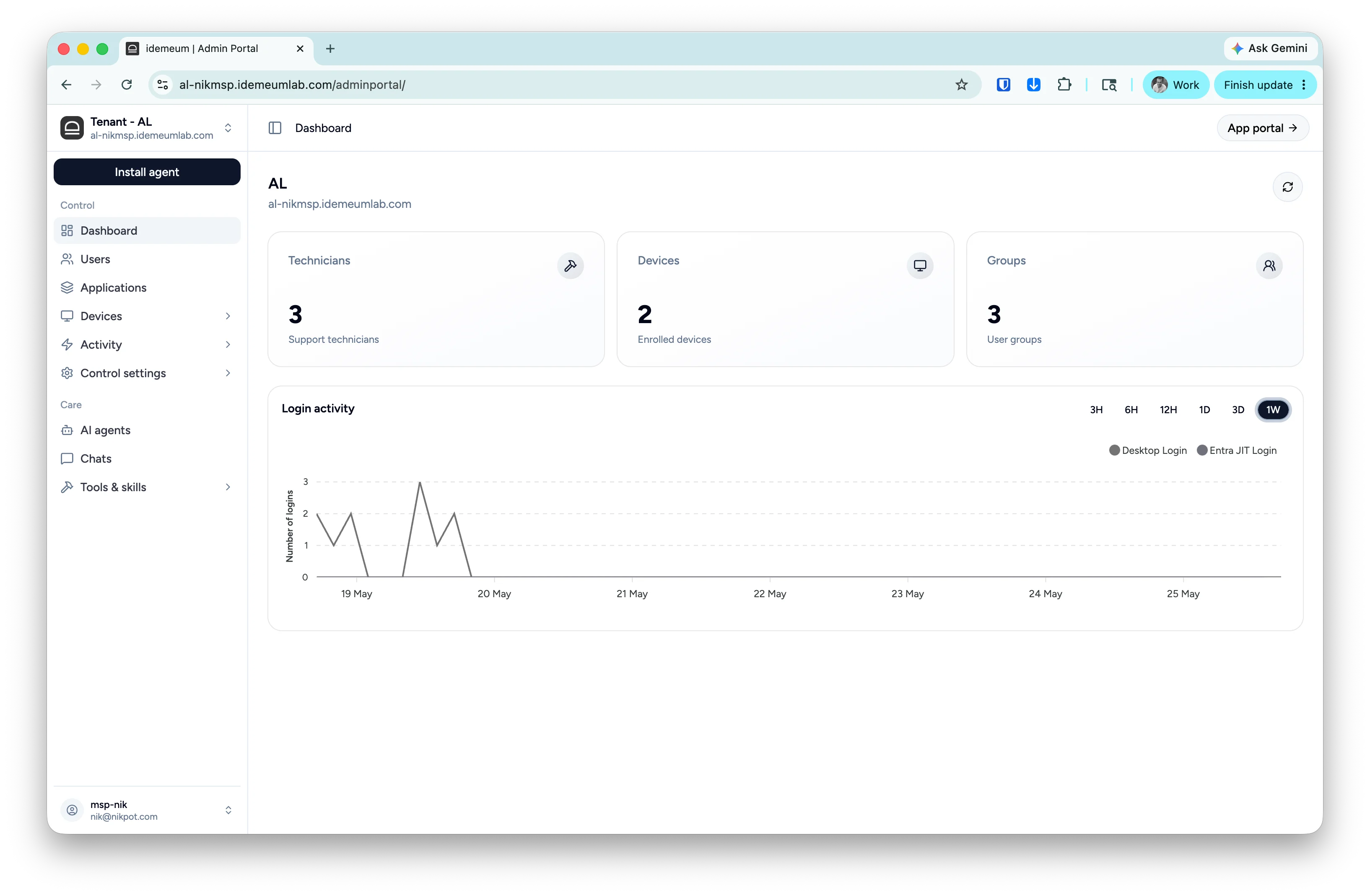
Admin portal is used to change various settings and configurations for your organizations - set up RFID SSO, change JIT settings, manage allowlisting and more. Use the switch button at the top right to switch between user and admin portals.
## Admin portal
Admin portal is used to change various settings and configurations for your organizations - set up RFID SSO, change JIT settings, manage allowlisting and more. Use the switch button at the top right to switch between user and admin portals.