

Documentation Index
Fetch the complete documentation index at: https://docs.idemeum.com/llms.txt
Use this file to discover all available pages before exploring further.
Configure agent branding
- Login to your MSP tenant and then navigate to any customer tenant
- Access
Settings→Desktop agent - You can now upload logo and background images, and specify the text to be displayed on the login screen
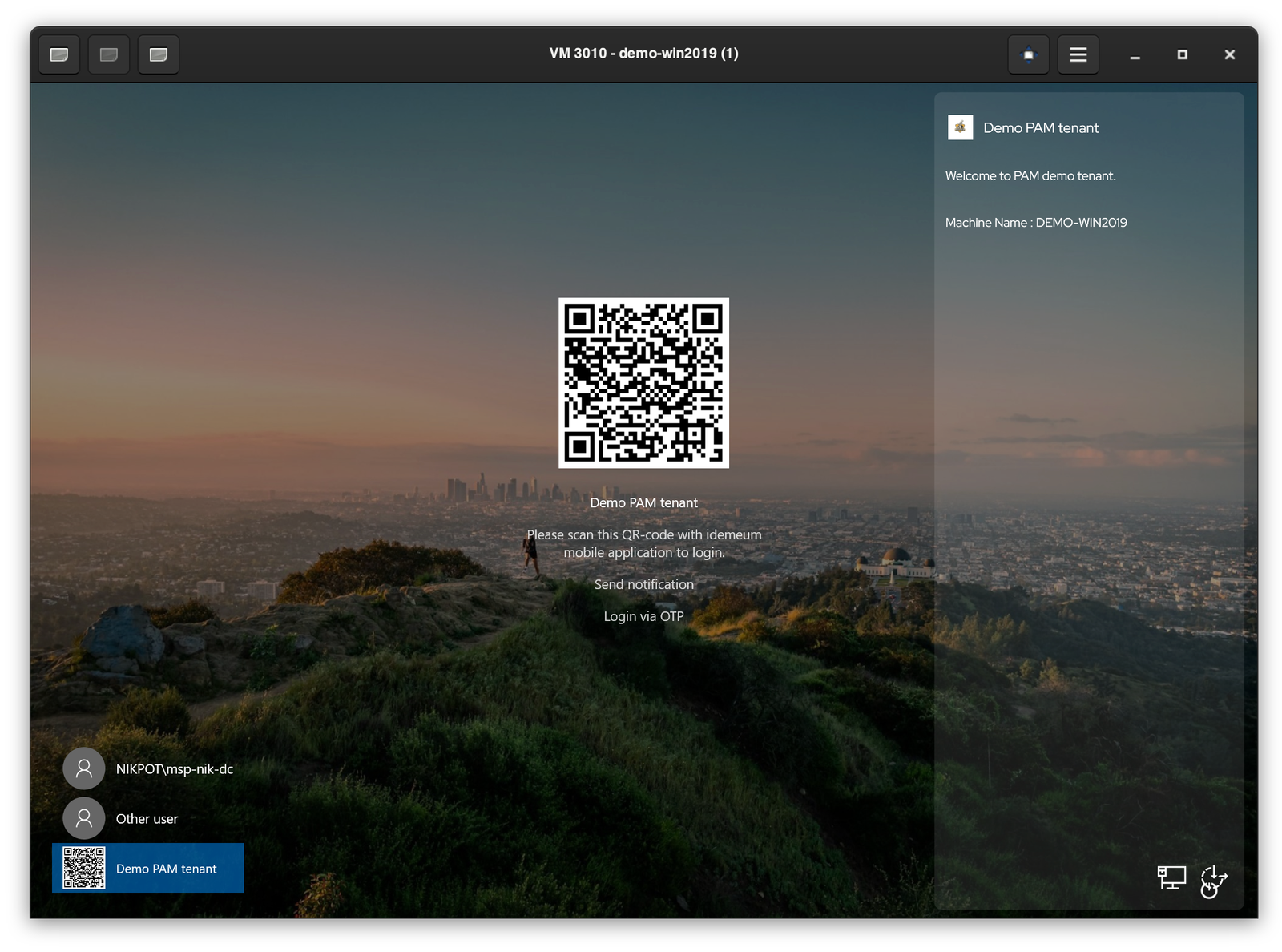
Upload company logo image and it will be displayed at the top right of the screen. The recommended image is
28x28 px.Upload the image that will be used as a background for the login screen. The recommended resolution is
1980x1080 px.Upload the image for login tile that is located in the middle of the screen. Recommended resolution is
400x400 px. Login tile is applicable for logins with RFID badge.Specify any message that will be displayed to the user on the right side of the screen. The maximum size of the text is 500 characters.