Documentation Index
Fetch the complete documentation index at: https://docs.idemeum.com/llms.txt
Use this file to discover all available pages before exploring further.
Agent logs location
Idemeum desktop agent collects various logs, including installation, authentication, and application events. The logs are kept for 3 days on a rolling window, and each file is named as<log module>_month_day_year. At any given point in time you can access the logs for the last three days.
Here is where you can locate logs on the workstation:
Push logs to idemeum team
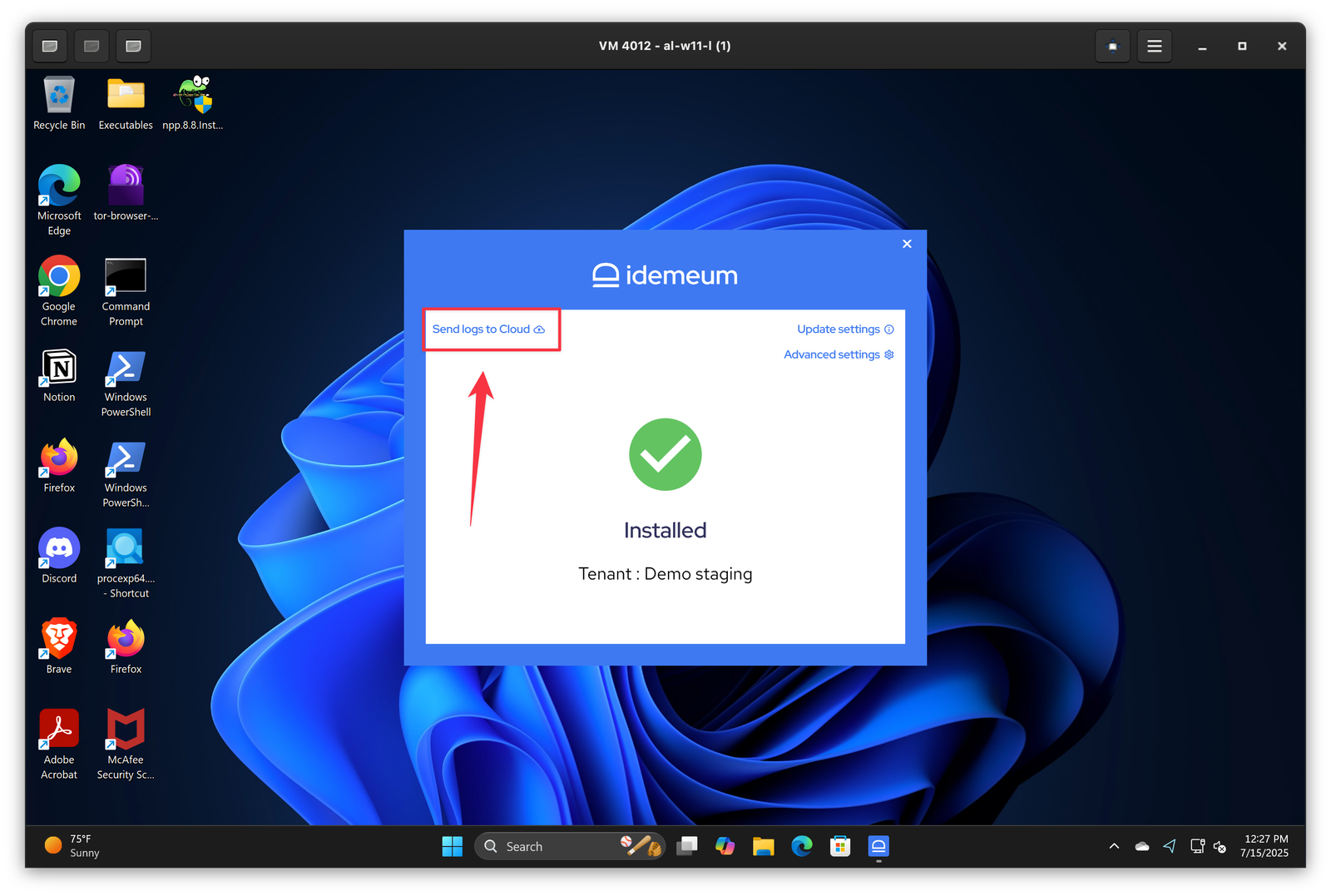
For help and troubleshooting you can push logs to idemeum team right from your workstation. Simply login to workstation, open idemeum application, and clickSend logs to cloud.