

Documentation Index
Fetch the complete documentation index at: https://docs.idemeum.com/llms.txt
Use this file to discover all available pages before exploring further.
Entra JIT Chrome extension
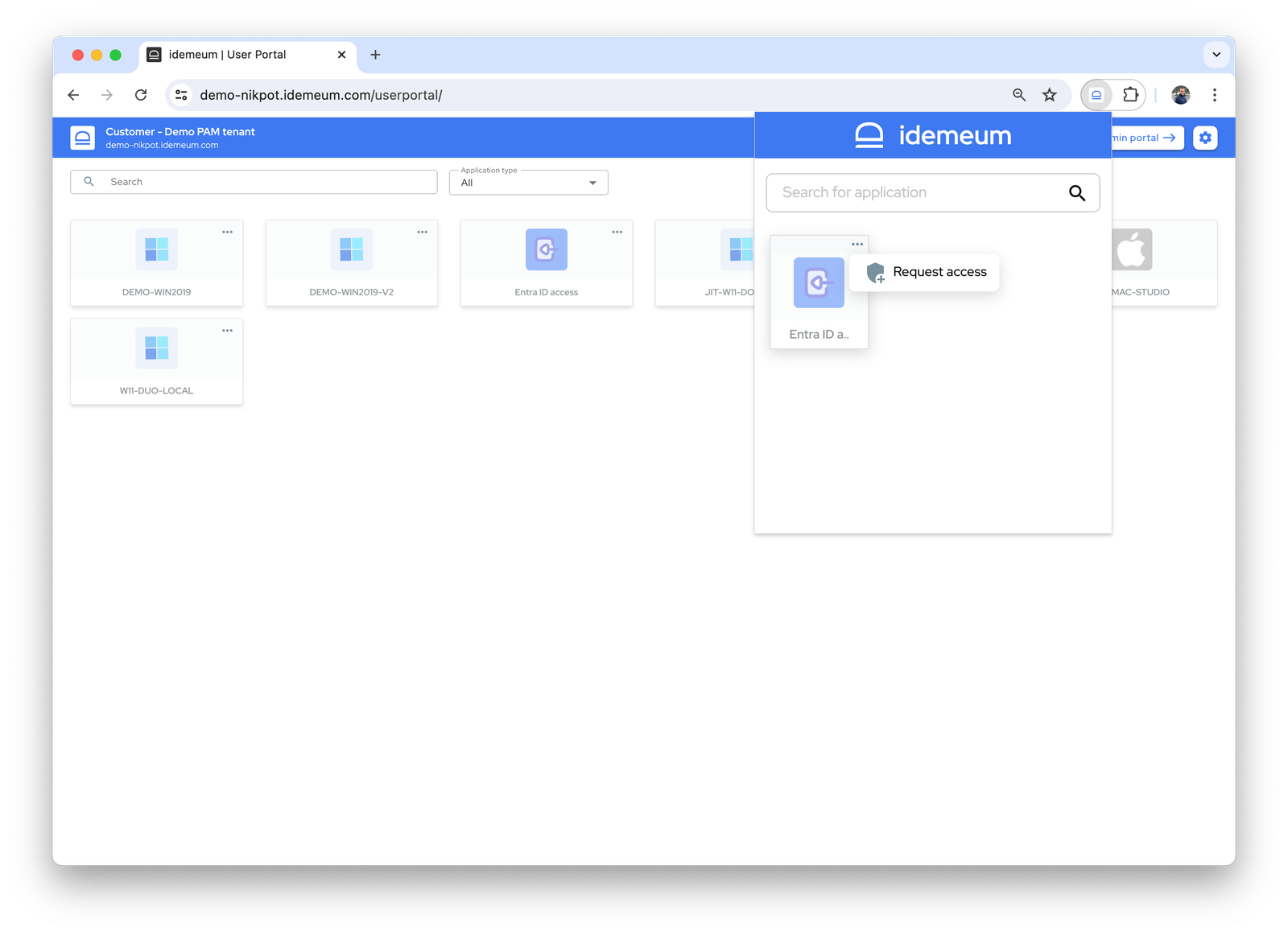
Idemeum offers chrome browser extension that you can use to request Entra JIT account, view credentials, and autofill the credentials in a new incognito window.- When account is disabled, the icon that is shown in the portal and extension is greyed out. You can click on
...and then request an account to be initially provisioned or re-enabled by clicking onRequest access.
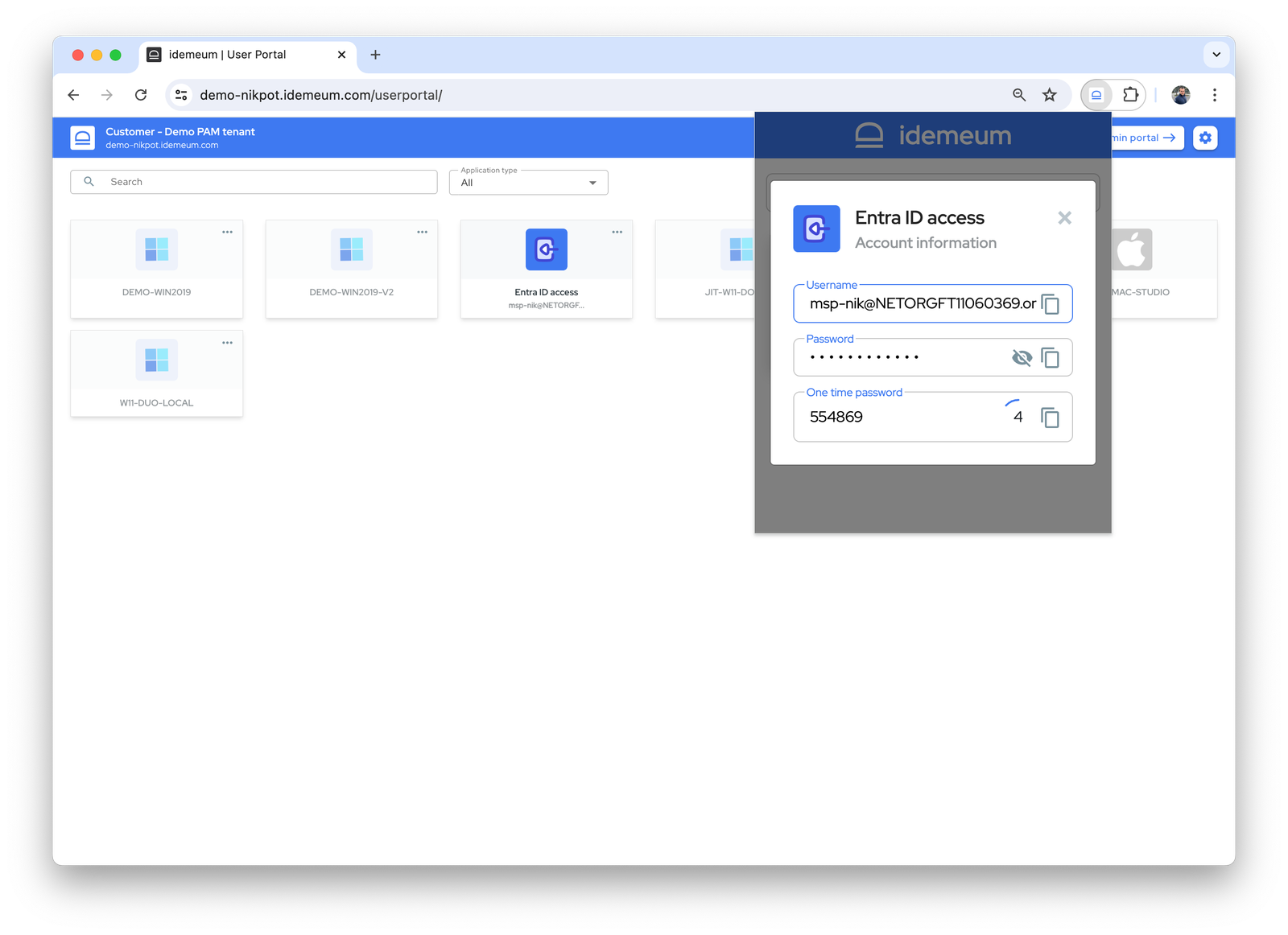
- When account is active you can use browser extension to view credentials. Click on
...and then chooseView credentials.
- Idemeum browser extension also facilitates credential auto-fill, so that technicians do not have to manually copy paste credentials. All you need to do it to launch Entra ID application either from the portal or the extension itself. When the application launches, the credentials will be automatically filled.