How allowlisting events work
Let’s review the major cases of events that you will encounter in idemeum. Here we assume both
Allowlisting and Endpoint Privilege Management are enabled.Launch app without elevation
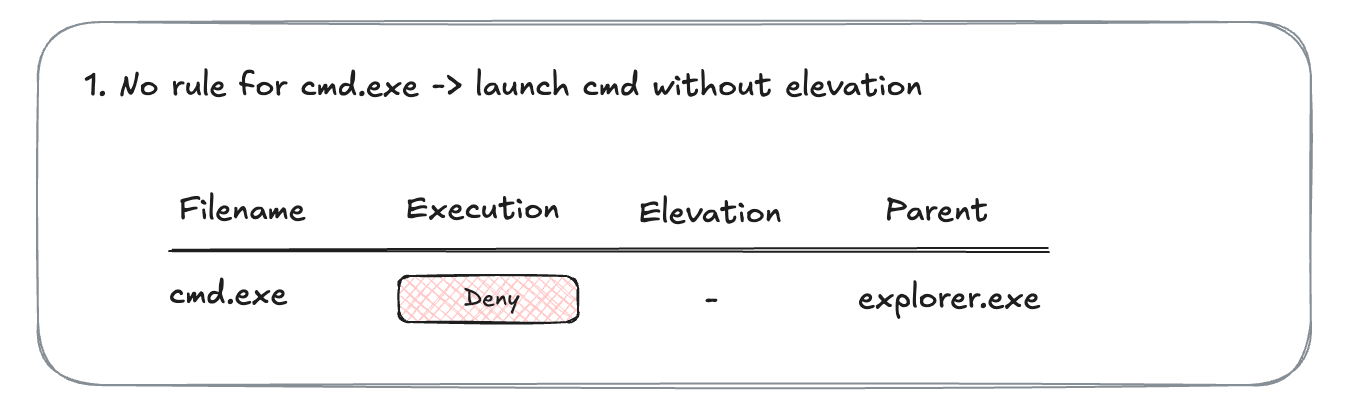
Let’s say there is no rule forcmd.exe. You launch cmd.exe, and it gets blocked. There is one execution event generated.
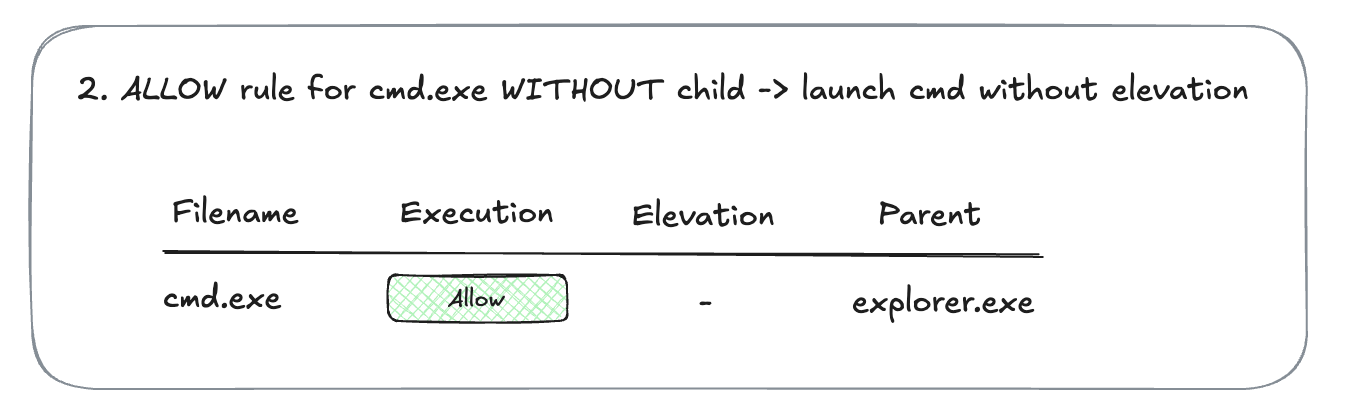
cmd.exe to allow execution, but not allowing child processes. You launch cmd.exe, and it is allowed.
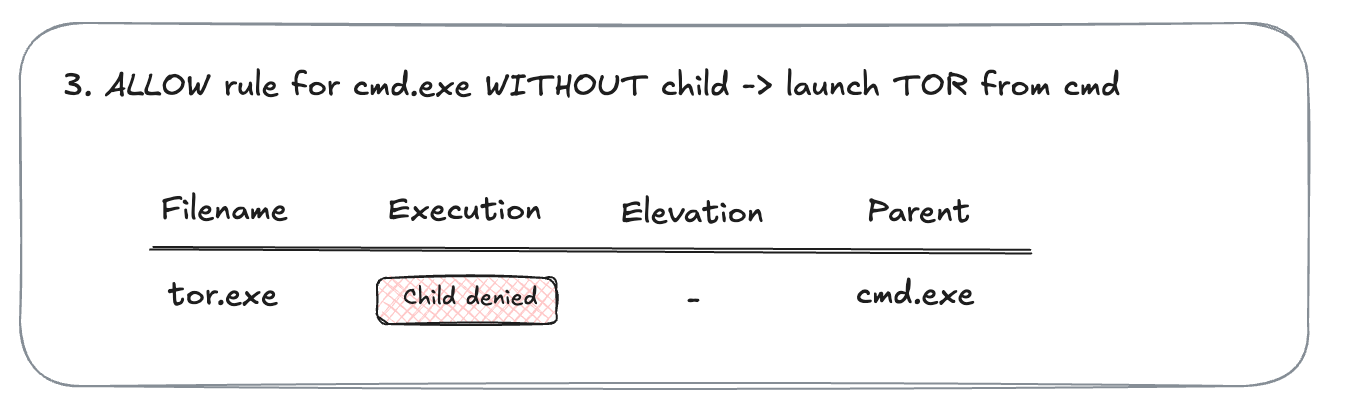
cmd.exe to allow execution, but not allowing any child processes. You launch tor.exe from cmd.exe. The TOR launch is blocked. And in the event you can see the message that child process is denied.
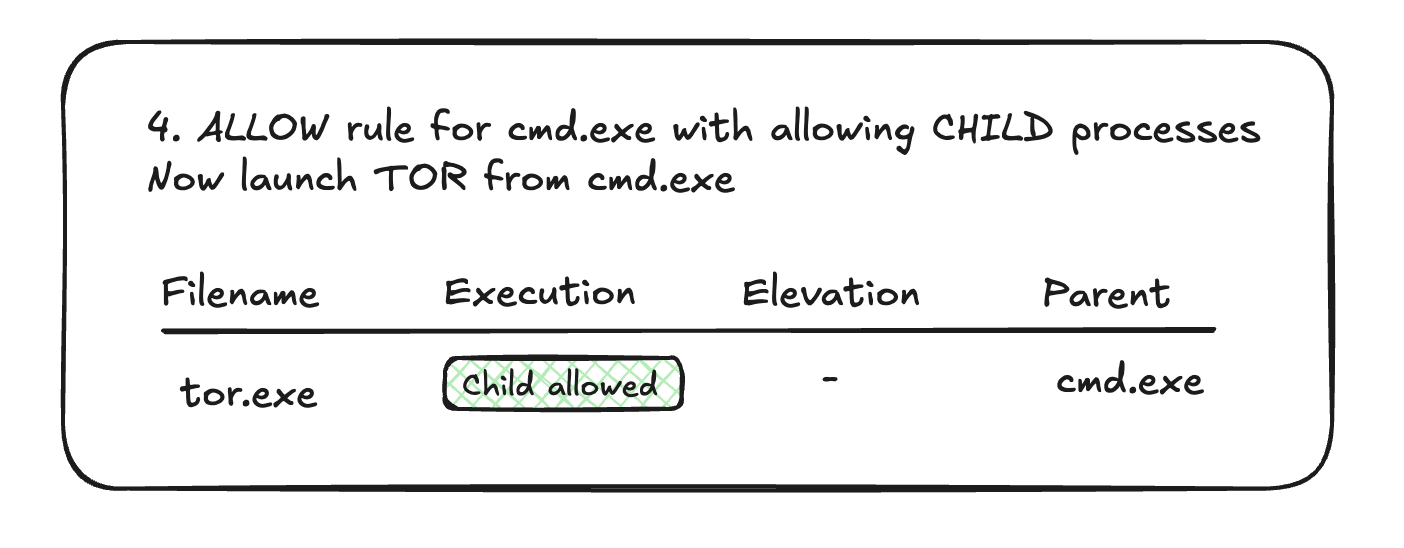
cmd.exe to also allow child processes. You launch tor.exe from cmd.exe. The execution is allowed. And the badge now shows Child allowed.
Launch app with elevation
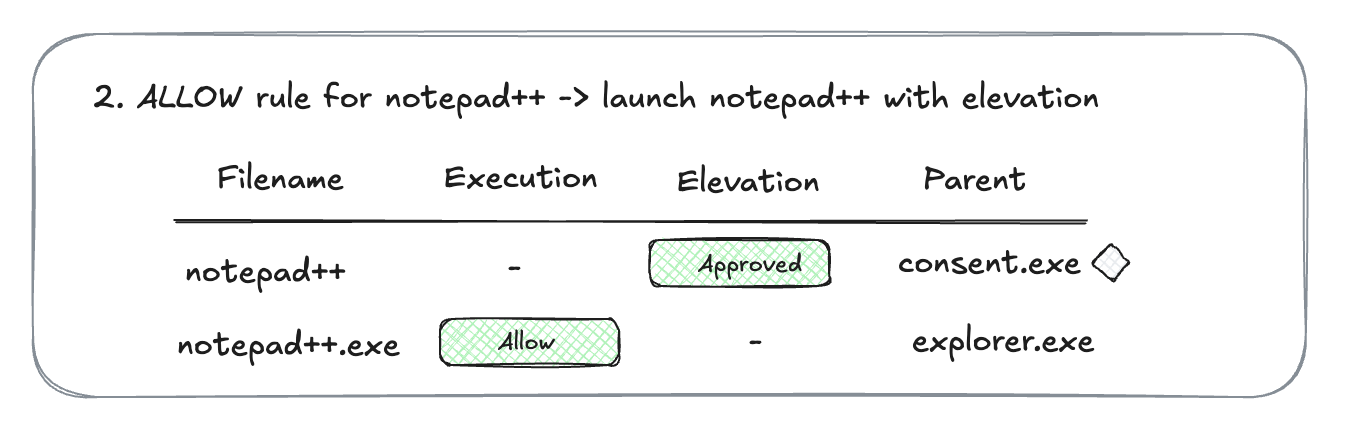
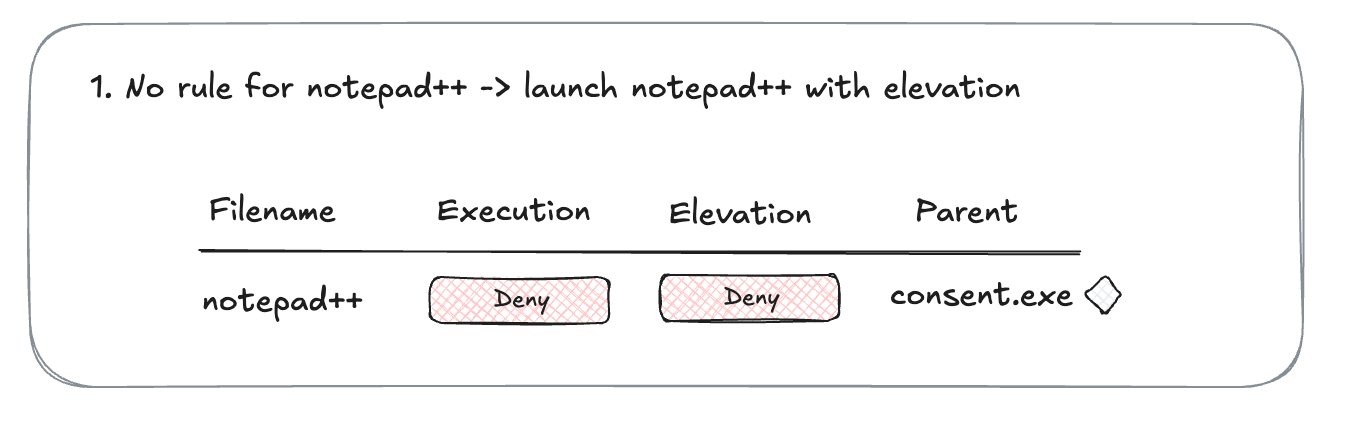
Let’s say you do not have a rule fornotepad++.exe. Execution is not allowed, and elevation is not allowed. When you trigger notepad++ installation, the elevation screen is presented and the application is blocked. One event is generated with both execution and elevation denied.
notepad++.exe. You allow execution and configure the application to automatically elevate. When you trigger notepad++ installation, elevation screen is presented and then allowed. Installation goes through. There are two events generated - one for elevation, and one for successful execution.