Documentation Index
Fetch the complete documentation index at: https://docs.idemeum.com/llms.txt
Use this file to discover all available pages before exploring further.
What is JIT for computers?
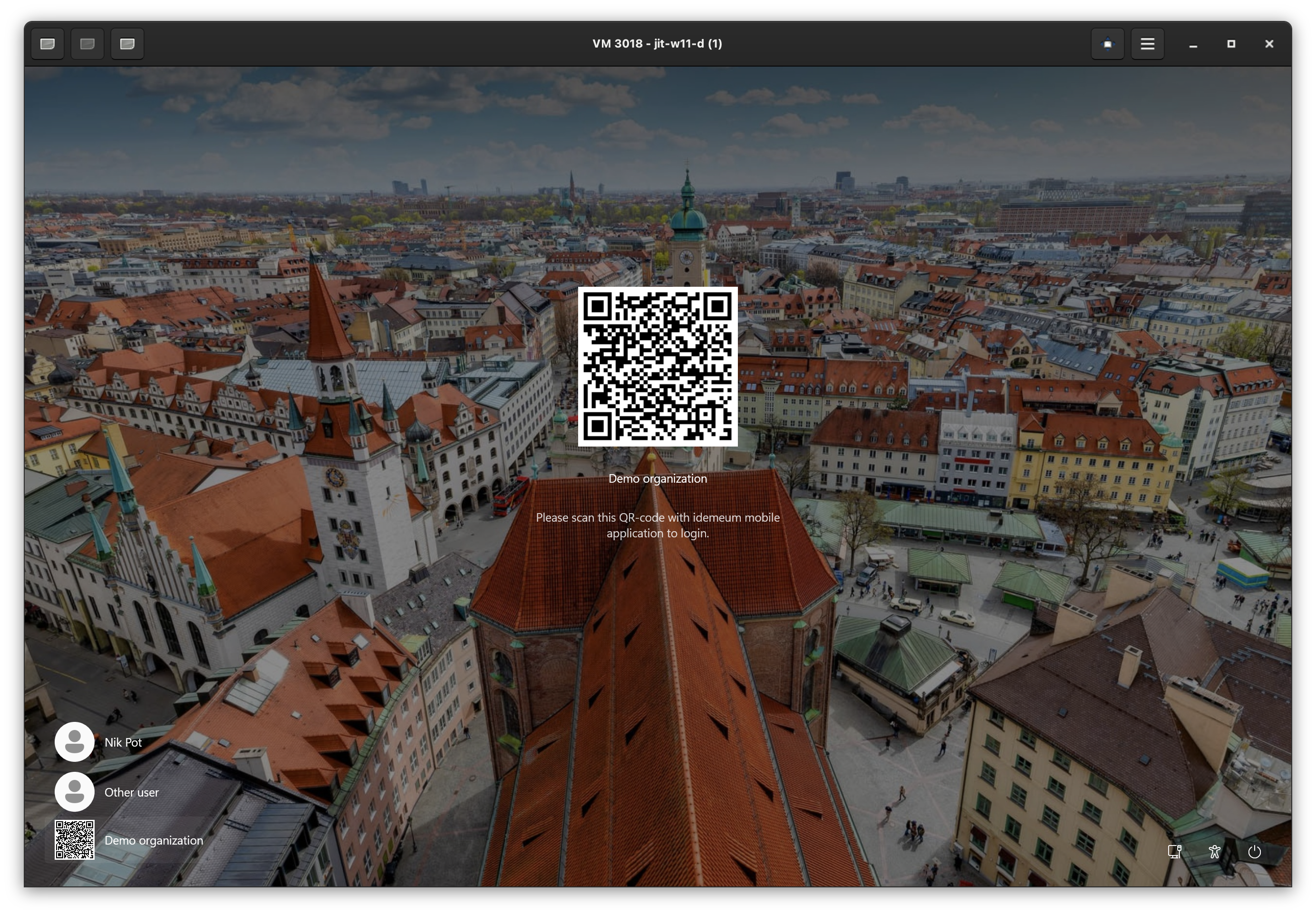
In this guide we will set up the Just-in-time Admin Access (JIT) for computers feature that is part of the Privileged Access Management (PAM) offering for MSPs. Just-in-time Admin Access (JIT) is all about eliminating shared credentials and standing privileges when accessing Windows and macOS workstations and servers. Idemeum will automatically generate unique named admin accounts for your technicians, enable these accounts only for the duration of the session, and rotate passwords automatically after every login. Every login is protected with Passwordless FIDO2 compliant MFA, and every session is tracked in the audit trail.Set up JIT for computers
We are assuming you already have your MSP idemeum cloud tenant provisioned. If not, reach out to our support team for help.
Create idemeum child tenant
As a first step you need to create a child organization in your parent MSP tenant.
- Login to MSP admin portal
- Navigate to
Tenantsand create a child organization
More information about how to create a child organization.
Configure JIT settings (optional)
If you want to use JIT
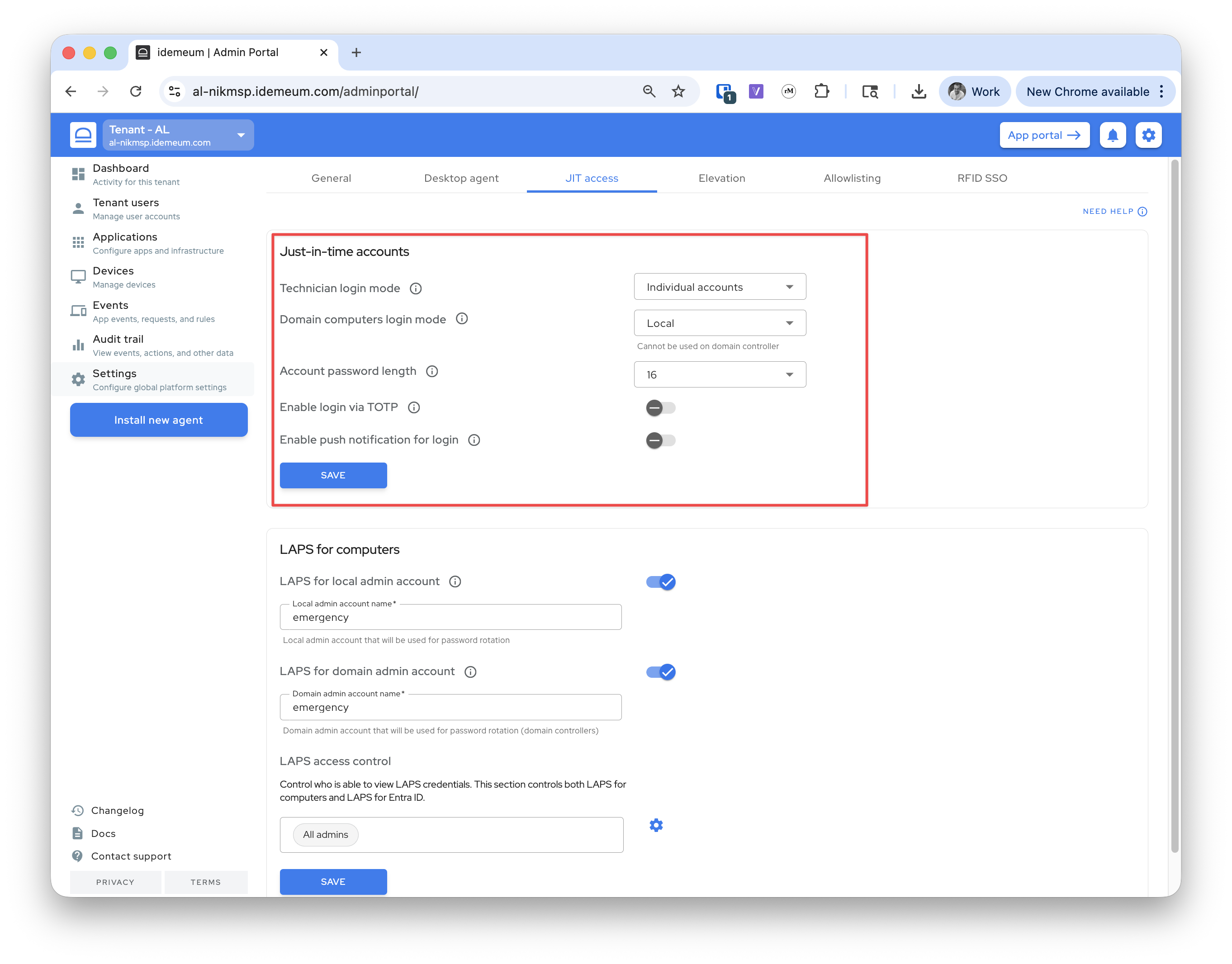
domain accountsyou need to install idemeum agent on Domain Controllers as well as domain workstations. And you need to enable JIT login with domain accounts. If all you need is acess to computers with local admin accounts, you can simply skip this step.- Navigate to your child tenant admin portal
- Access
Settings→JIT access - If you want to use
domain accountschoose that option in thedomain login mode - Configure any other additional settings if you need to. More about the configuration options here.
Grab installation command and deploy agents
Now you need to access the child organization, click
Install new agent, grab the installation command for Windows or macOS and install idemeum agent.More about how to install idemeum agent.