What is JIT for Entra ID?
When you have multiple Entra ID tenants your technicians need to access, you can leverage idemeum to automatically manage individual on-demand admin accounts. Technicians request admin accounts, login to do their business, and then after some time the accounts will be disabled and passwords rotated. You can request Entra JIT accounts from idemeum portal, or you can integrate our platform with your ticketing system, so that you request Entra JIT accounts right from customer support tickets.JIT for Entra overview
Full documentation section for JIT for Entra ID.
Get started with JIT for Entra ID
In this guide we will set up Entra ID connection with an idemeum tenant and will request just-in-time admin account.1
Sign up for idemeum tenant
Sign up for free idemeum IT or MSP tenant on our website → idemeum.com
2
(MSP) - Create child tenant
If you are an MSP, please create a child tenant / organization.
- Login to your MSP admin portal
-
Navigate to
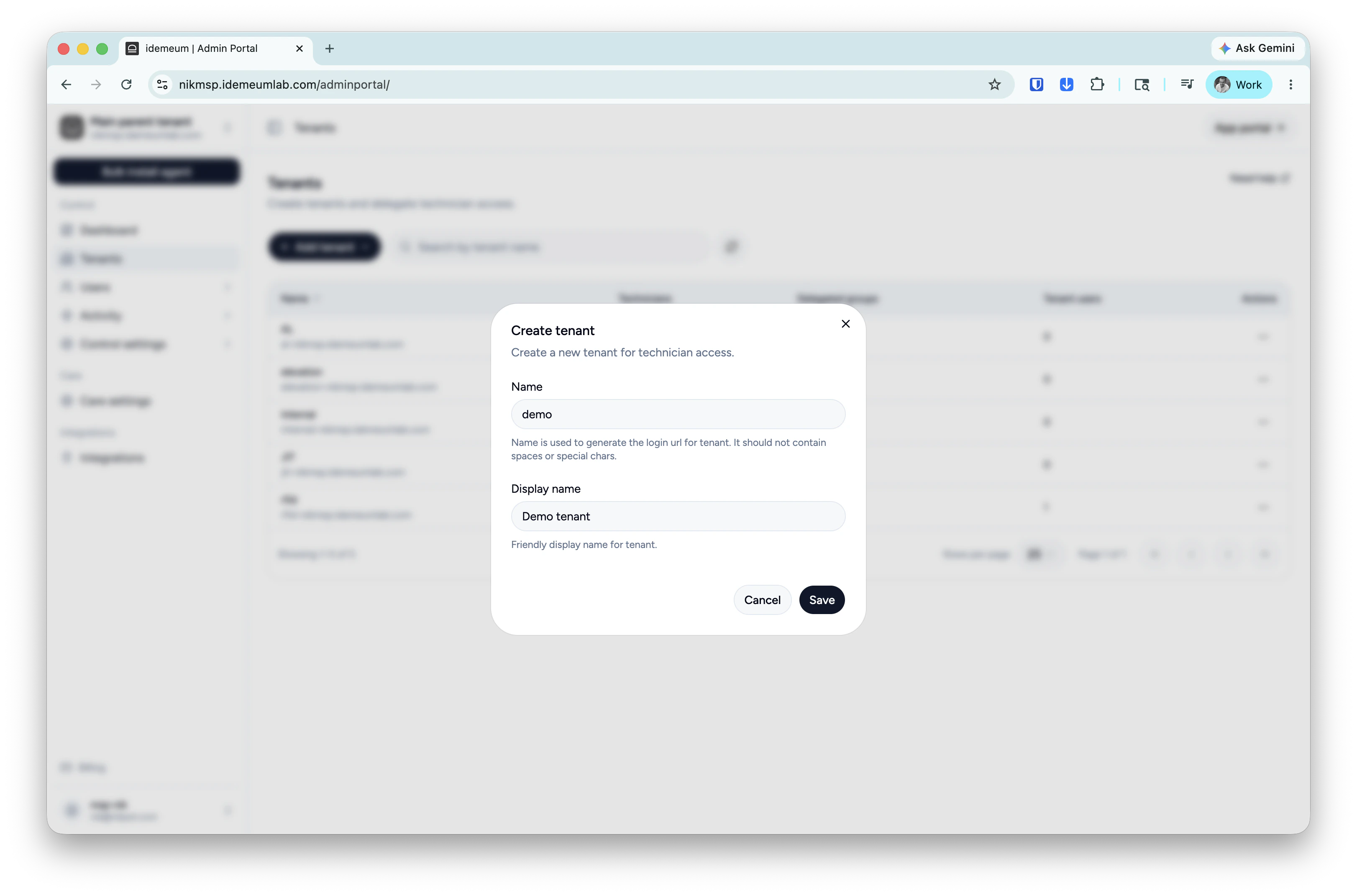
Tenants→ clickAdd tenantand choose manually -
Provide subdomain and display names and save the configuration
3
Connect Entra ID to idemeum tenant
At this step you need to create an application in Entra ID tenant and set up idemeum to connect to M365 tenant using that application.Follow these steps to perform this configuration.
4
Test Entra JIT login flow
- Navigate to the customer / organization admin portal
-
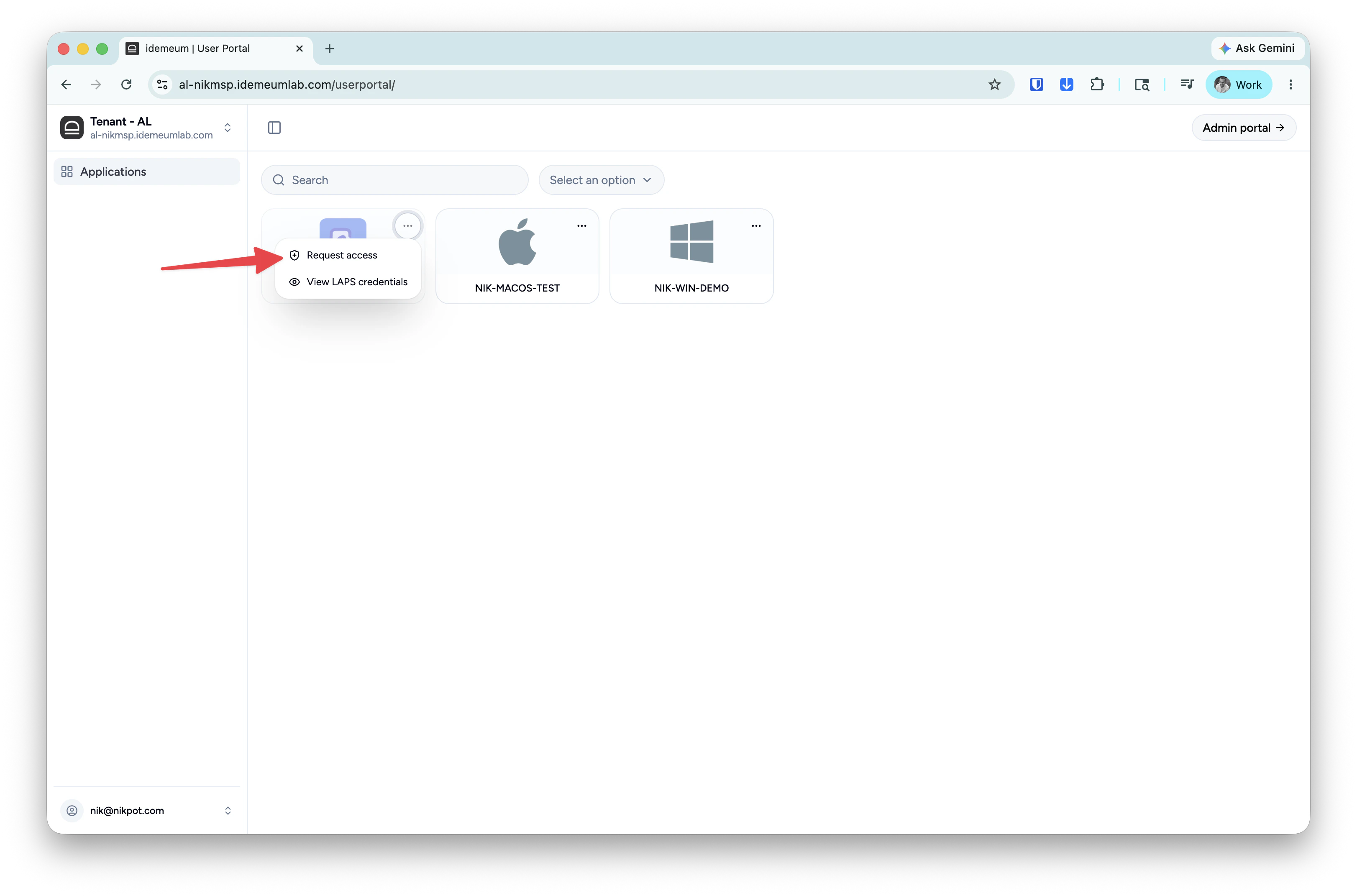
Search for Entra ID application and click on
... -
Now you can request JIT account and view provisioned credentials