Documentation Index
Fetch the complete documentation index at: https://docs.idemeum.com/llms.txt
Use this file to discover all available pages before exploring further.
How computer access control works
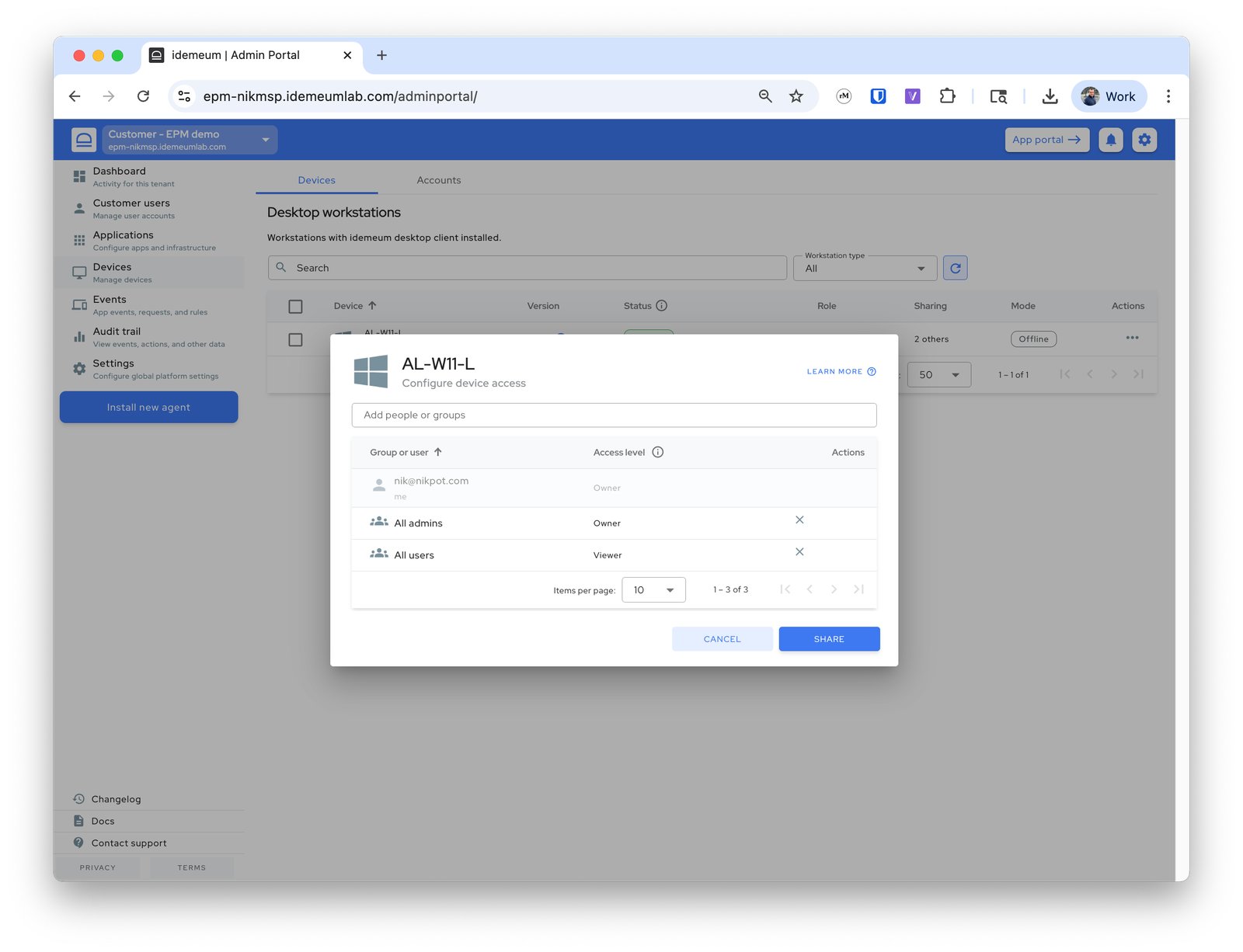
You can control what technicians have access to what workstations. Important to note that if technician is aGlobal admin, she can access and edit everything everywhere. If you want to apply access control you first need to delegate technician access to certain customer / organization with read-only permissions, and then edit workstation access control settings.
- Navigate to admin portal of customer / organization
- Access
Devices, then click on...for the device you want to edit, and chooseShare device - By default
All adminsandAll userswill be there - To control technician access, remove
All adminsrole and only add technicians that need to access this workstation