Documentation Index
Fetch the complete documentation index at: https://docs.idemeum.com/llms.txt
Use this file to discover all available pages before exploring further.
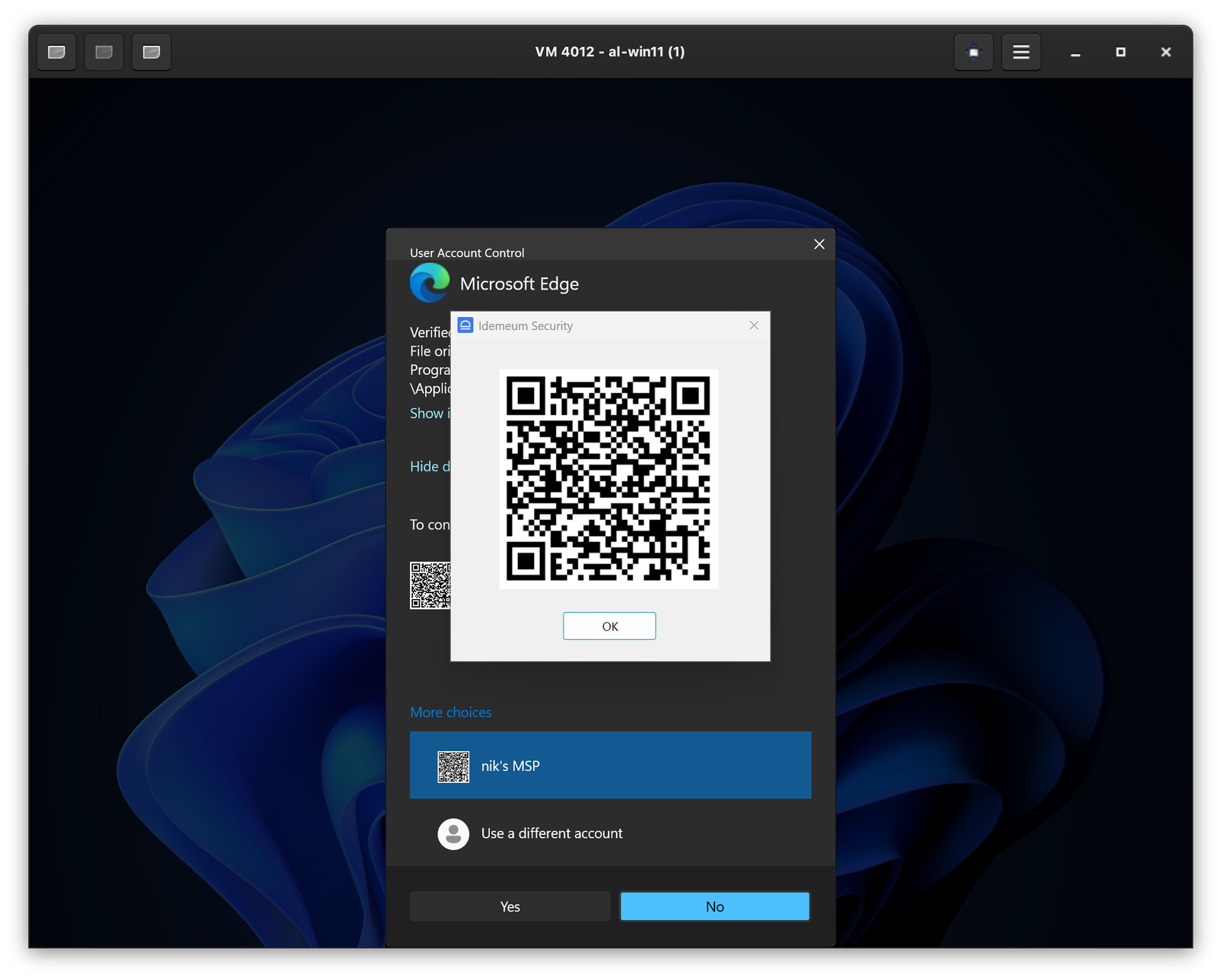
How JIT computer elevation works
When you login as technician with mobile device, you might need to perform certain actions that require elevation. When the elevation screen comes up, you can simply scan the QR-code to elevate the application. For instance, on Windows simply clickMore options, then enlarge idemeum QR-code, and scan with your mobile app. The action will be elevated and UAC will be handled by idemeum agent behind the scenes. Similar experience is offered on macOS workstations.