How admin notifications work
There are several ways IT admins can be notified when there is an elevation request.Web admin portal
Web admin portal
Open your idemeum admin portal and navigate to
Activity→ Requests section where you can see all elevation requests. You can respond to any request by clicking on .... Mobile notifications
Mobile notifications
When the elevation request is received, idemeum will send push notification to all admin mobile devices. Right from the mobile device you can respond to the request.
Ticketing integrations
Ticketing integrations
Idemeum supports integrations with various ticketing systems in order to create tickets for elevation requests. Check our integrations page for all available integrations.
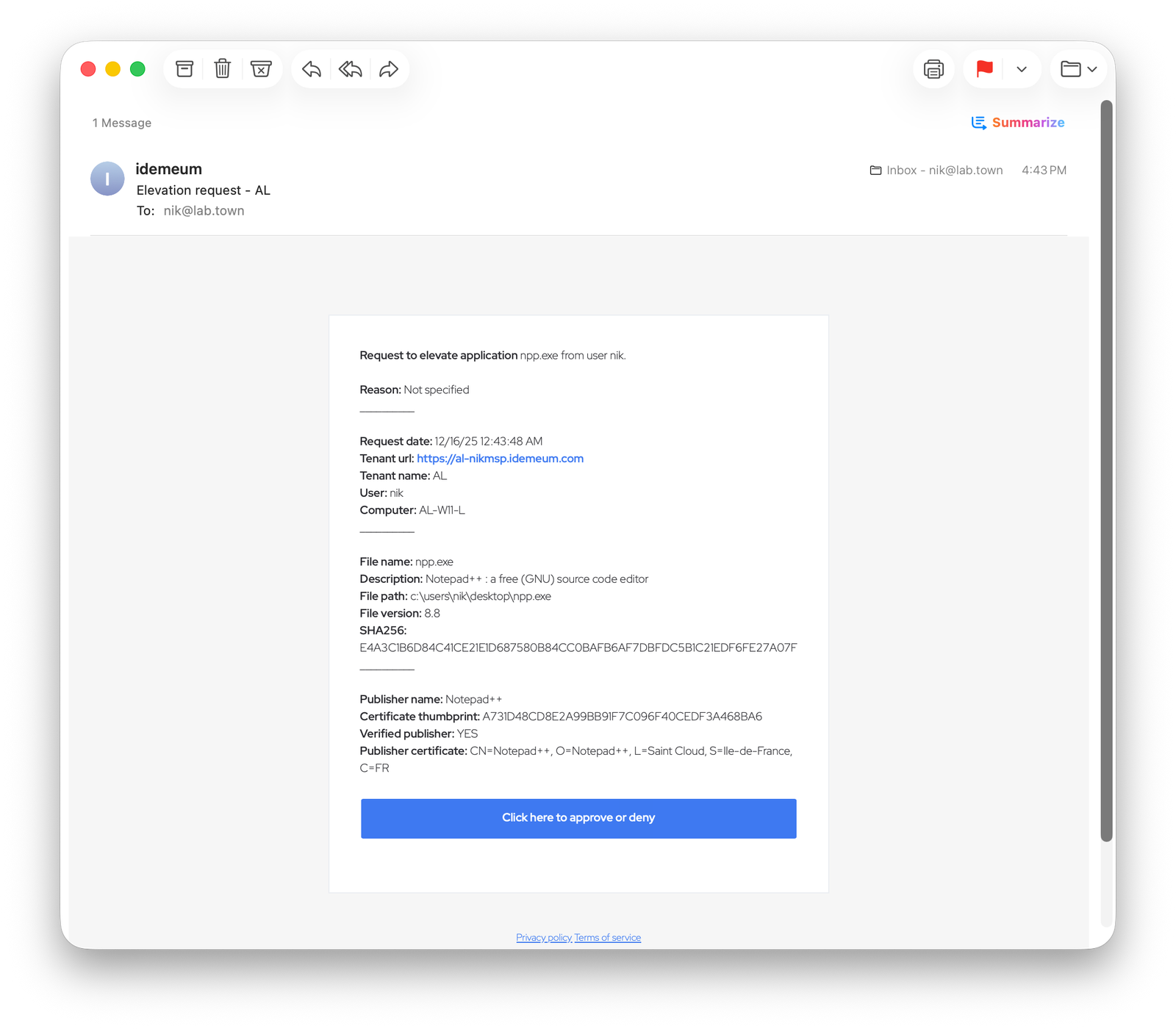
Admin email notifications
Admin email notifications
Idemeum can also send the email to specified email address when the elevation is requested. In the admin portal you can configure multiple email address that need to receive the elevation notification.
Configure admin email notifications
- Navigate to your idemeum admin portal
- Access
Control settings->EPM - In the
Emails to notifysection you can add up to three email addresses to receive elevation notifications.