How technician mode works
Technician mode demo
Watch the video to see how technician mode works
- All elevation block rules will be bypassed
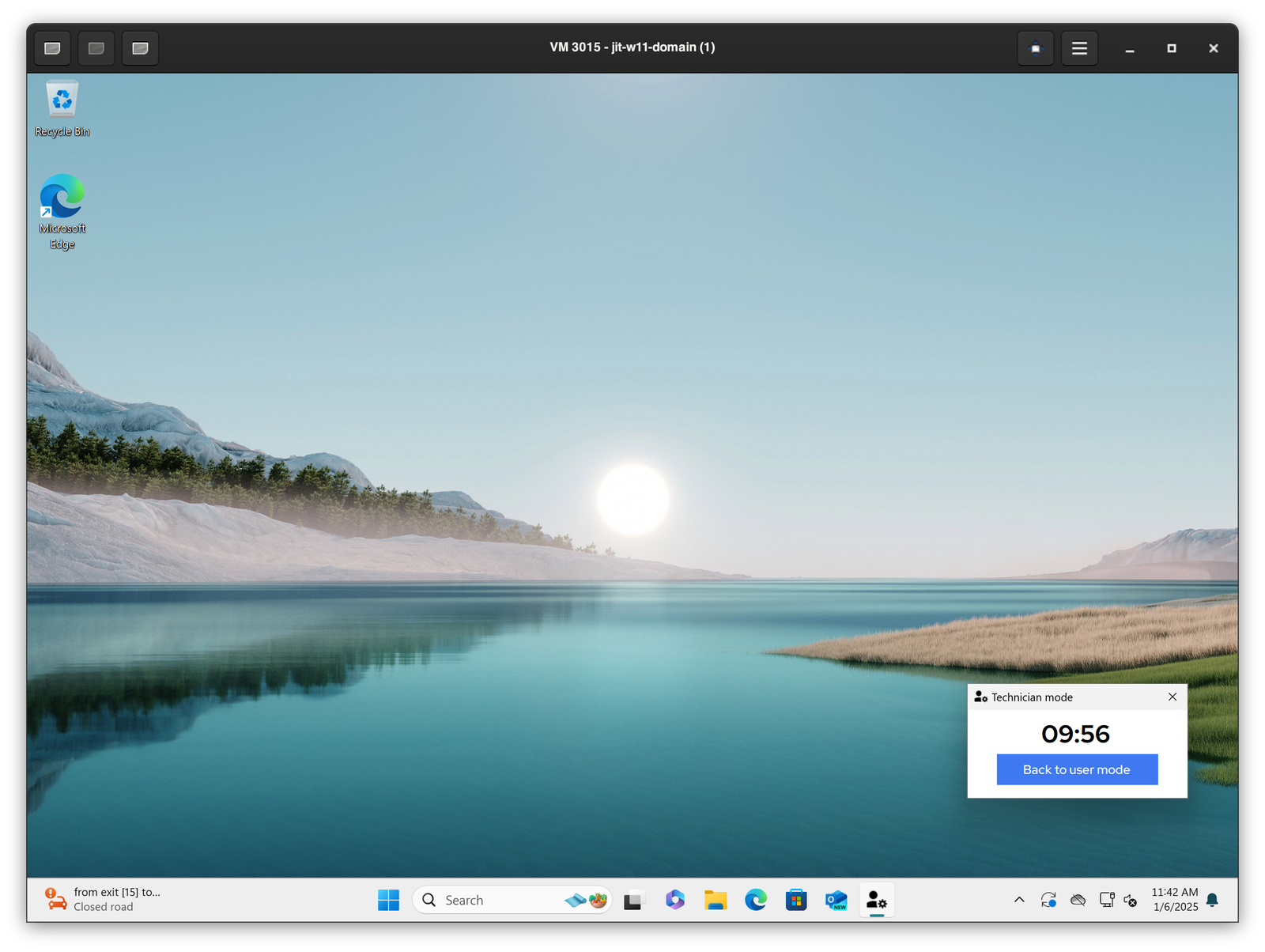
- The default 10-minute timer will start after which the computer will revert back to user more with rule enforcement. The timer can be configured in the admin portal.
- Every elevation performed while in technician mode is performed as
adminelevation with local admin account - Technician mode session is captured in the audit logs
How to launch technician mode
- When the the user is logged into the workstation and you need to enter the
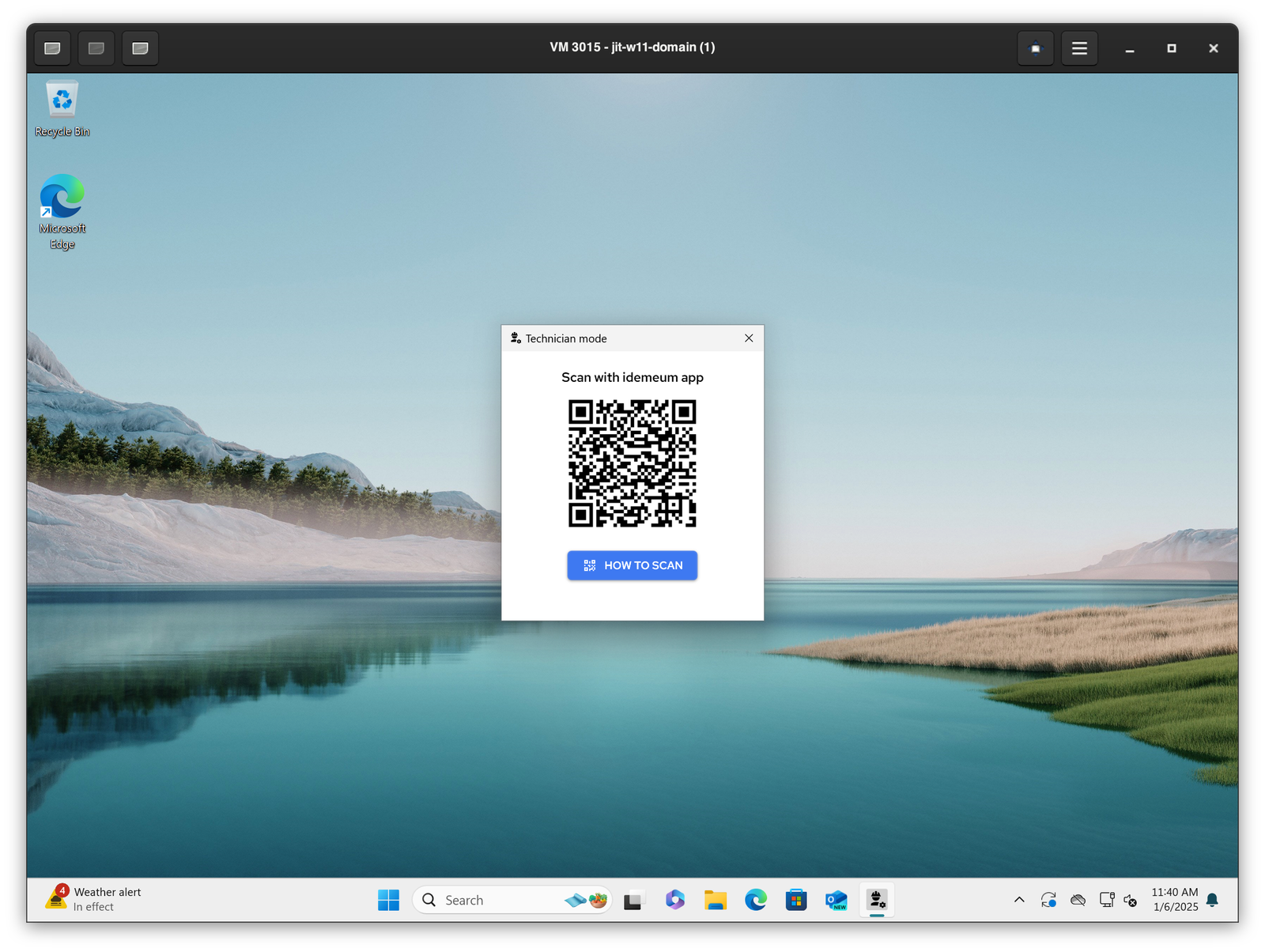
Technician mode, simply search forTechnician modeapplication on Windows or MacOS. - Then you will see the pop up with the idemeum QR-code. Scan this QR-code with idemeum mobile application and authenticate with biometrics.
- Once approved, the default 10-minute timer will start. You will be able to perform any privileged actions bypassing the elevation rules.
- To exit the
Technician modesimply close the pop up windows or click onBack to user mode