
How to access audit trail
- Login to your idemeum admin portal
- Navigate to
Activity→Audit trail
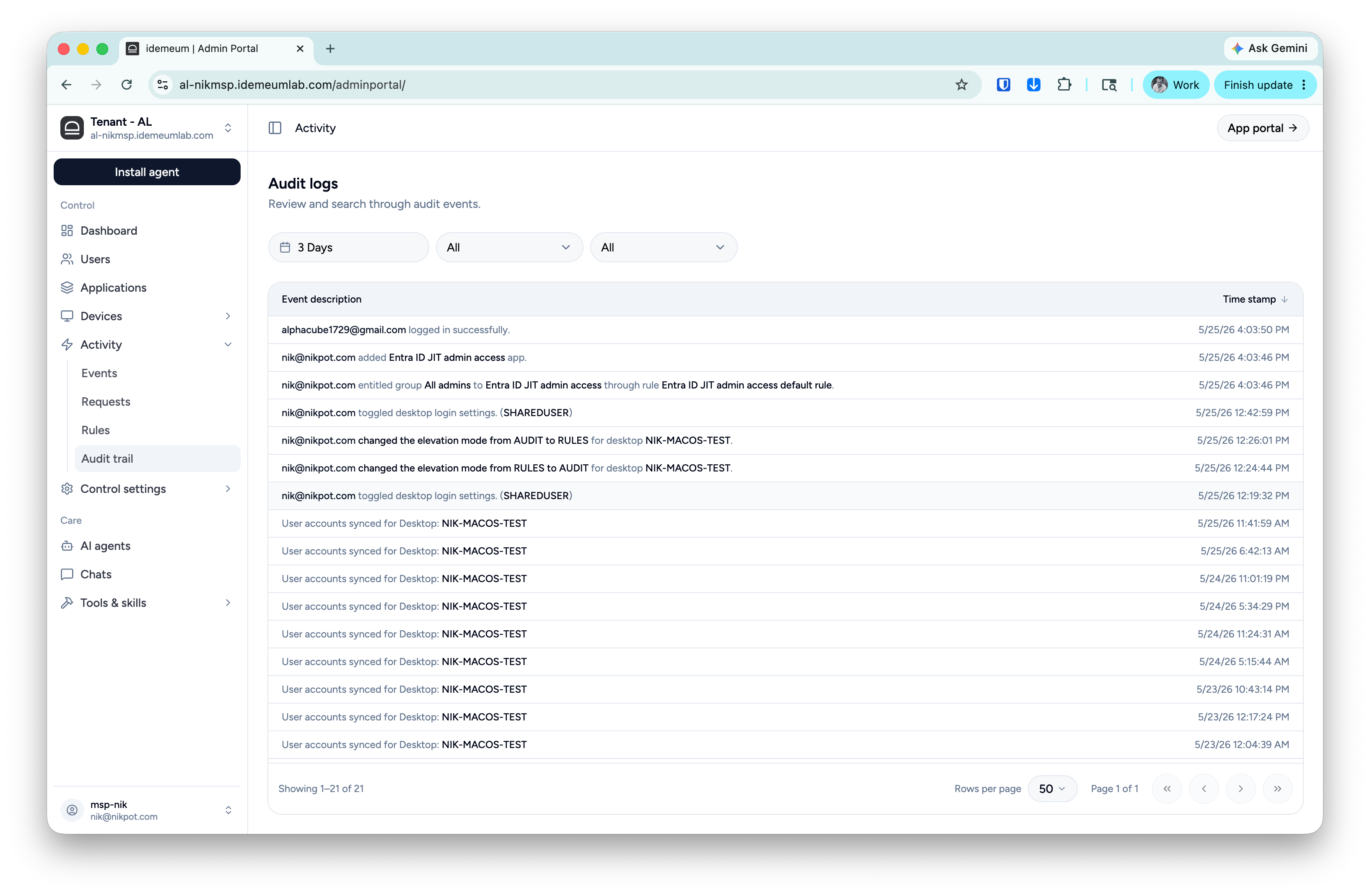
JIT for computers audit trail
The following events are captured for computer access.Computer access - this event provides technician email address, desktop name, and the account that was used for login.
Log off or lock - this event provides technician email, desktop name, and account that was used.
Offline code retrieval - when a technician accesses offline code on a mobile device for a workstation, mobile application captures the event.
JIT for Entra audit trail
The following events are captured for Entra ID access.Entra account request - when technician navigates to idemeum portal and requests Entra ID account to be enabled or provisioned, we capture an event along with technician email address and the account name that will be provisioned.
Entra account disabled - we capture audit events when technician Entra ID accounts are disabled. This happens when configured time for which account needs to stay active passed (default 4 hours).
Entra account credentials access - audit event is captured when technicians view credentials for Entra ID accounts.