
Configure agent branding
- Login to your idemeum admin portal (customer tenant in case of MSP setup)
- Access
Control settings→Desktop agent - You can now upload logo and background images, and specify the text to be displayed on the login screen
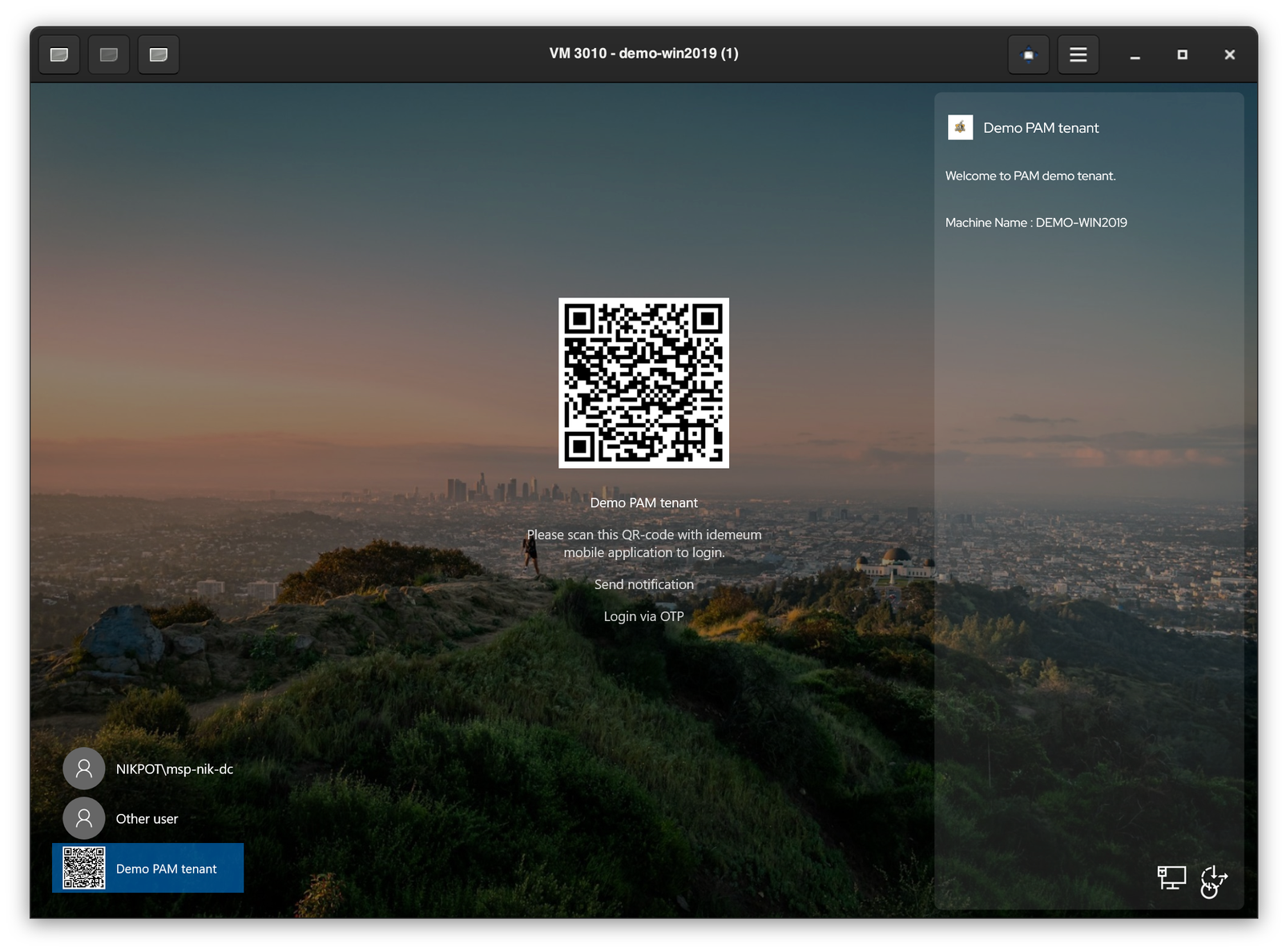
Upload company logo image and it will be displayed at the top right of the screen. The recommended image is
28x28 px.Upload the image that will be used as a background for the login screen. The recommended resolution is
1980x1080 px.Upload the image for login tile that is located in the middle of the screen. Recommended resolution is
400x400 px. Login tile is applicable for logins with RFID badge.