What are user groups for?
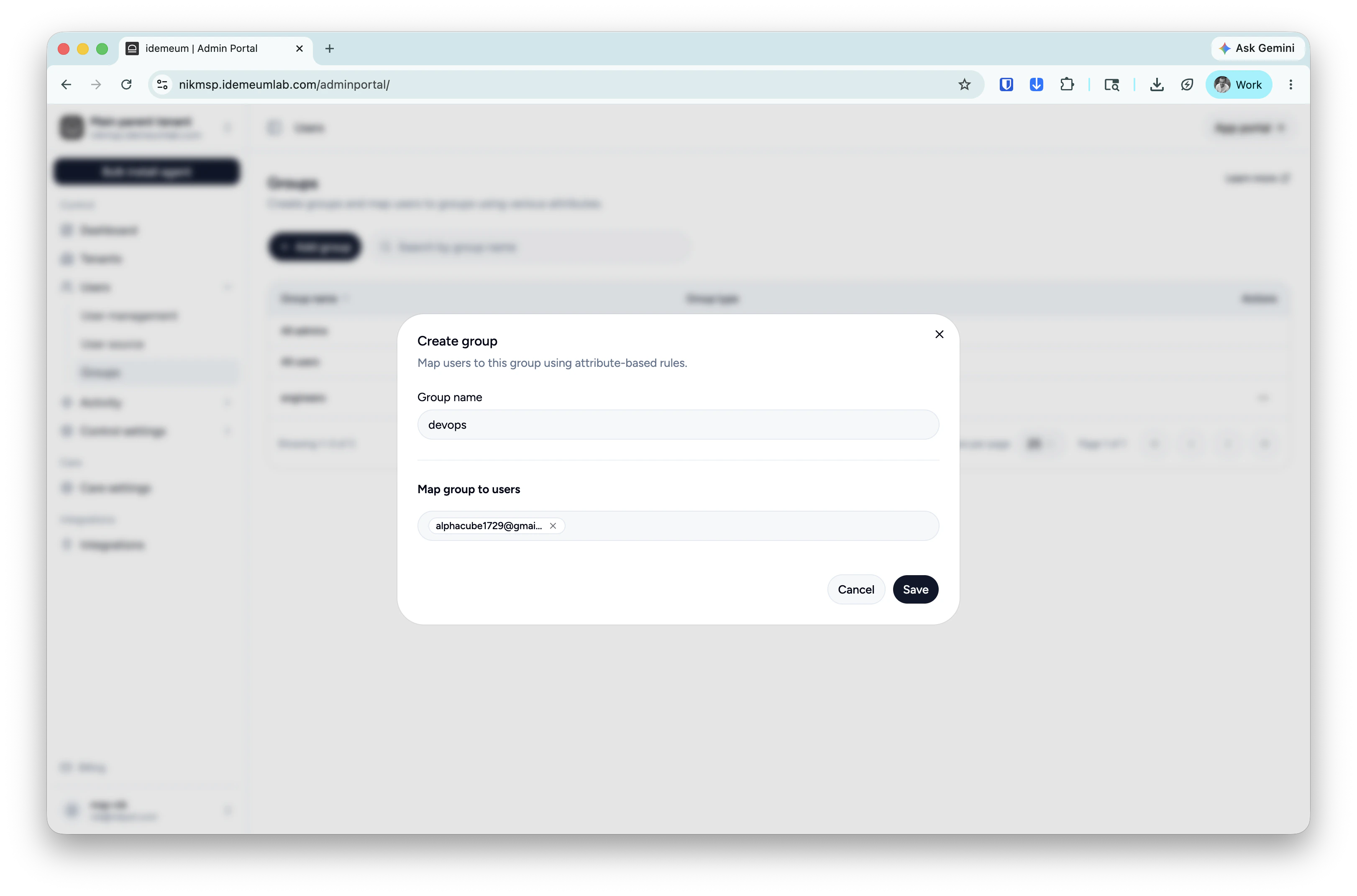
You can create user groups in idemeum and add technicians to those groups. Groups are helpful when you need to perform customer tenant delegation in bulk, control what groups of users have access to LAPS credentials, etc.Create user group
- Login to your idemeum admin portal (MSP parent tenant in case on MSP setup)
- Navigate to
Users→Groups - Click
Add group - Provide a group name and then choose the users that should be assigned to a group
- Save the configuration