What is identity resolution?
Assist confirms who the employee is by having them sign in with your identity provider. It uses that verified identity for two things:- Tickets are assigned to a real directory user, not a local computer account.
- Account fixes, such as a password or MFA reset, only ever act on the signed-in employee’s own account. Assist never takes a username from the chat.
How it works
- When identity resolution is off, device repairs still work, and their tickets are marked as unverified. Account fixes, such as password and MFA resets, are unavailable.
- If identity provider is configured, and the employee asks Assist for help, she will need to be authenticated first. The browser will open and the employee with sign in with the configured identity provider.
- Assist remembers the sign-in for up to 30 days, so employees aren’t asked every time.
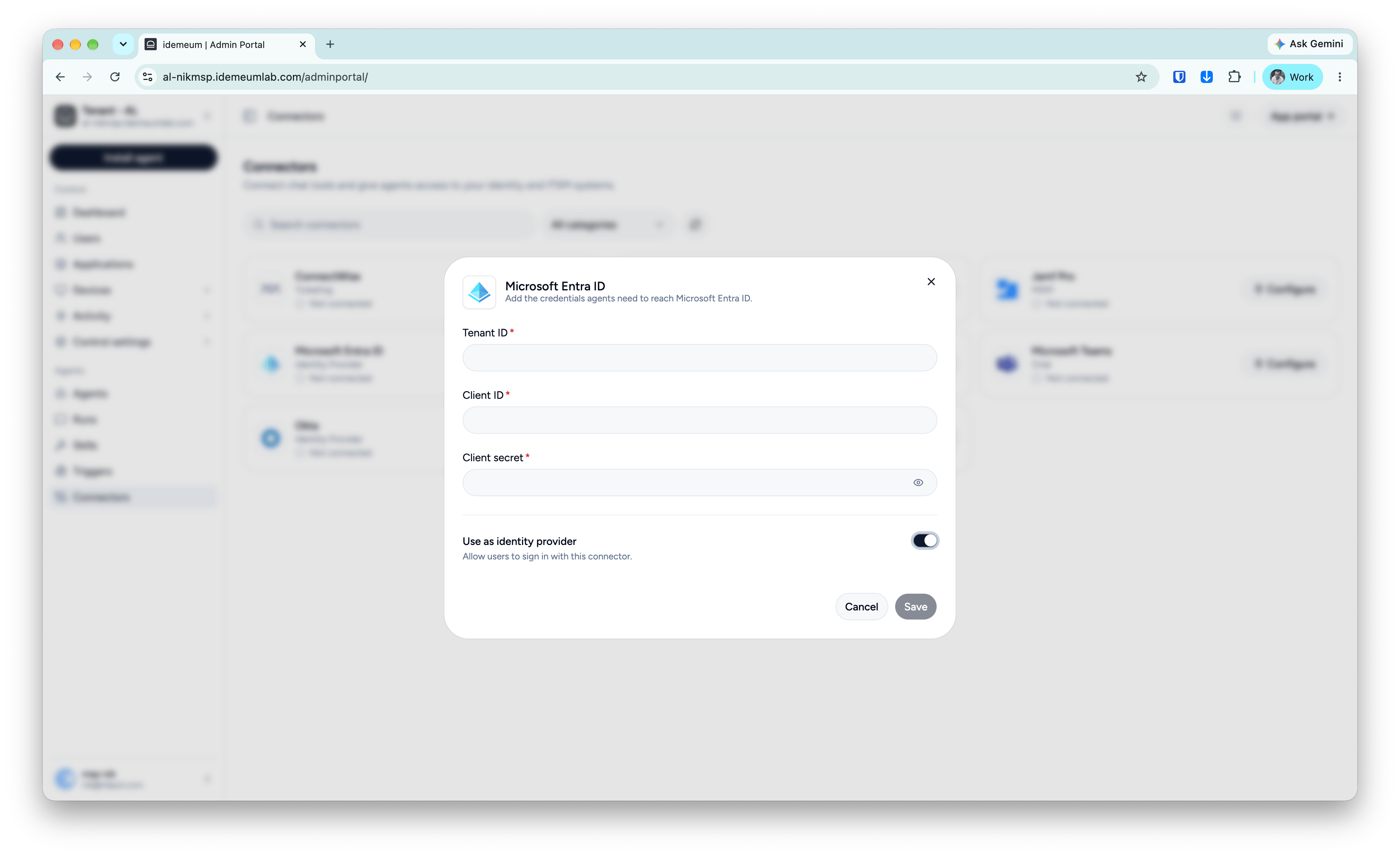
Set up identity resolution
Simply navigate toAgents → Connectors, connect your identity provider, and select Use as identity provider.