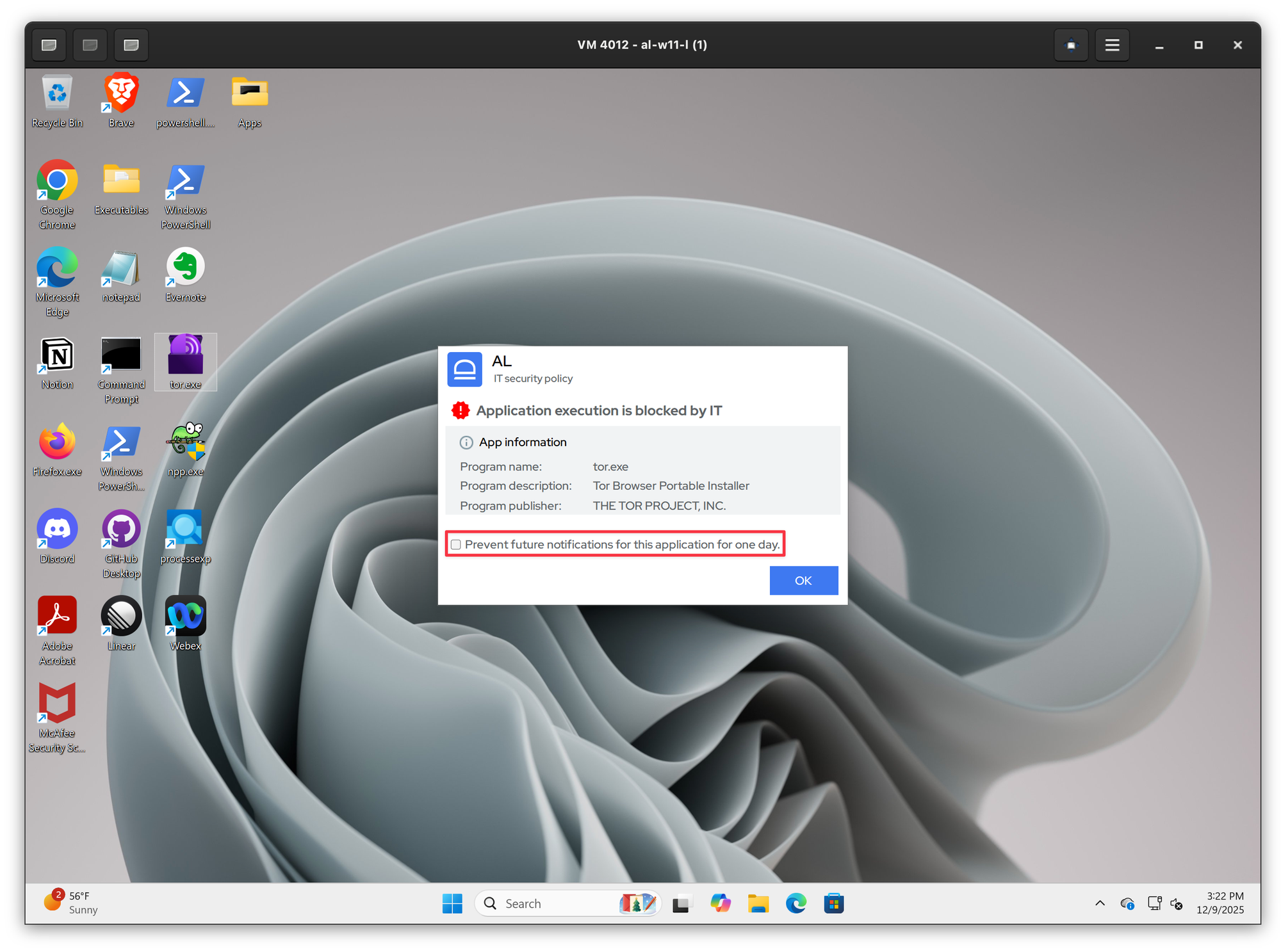
Snooze allowlisting pop ups
Summary
When the application is blocked by allowlisting module, users will see a deny pop up informing them that an application is blocked. Sometimes an application might be persistently restarting in the background / trying to launch again, whereby causing a never ending stream of pop ups. As a result, once the user acknowledges the pop up, it will come up again a couple of seconds later.
In order to prevent this behavior users are given an option to snooze the notifications for the same application for a day. All they need to do is to check the box to snooze the notification. The option to snooze deny pop up notifications is available on both Windows and macOS.